thinkchat Sign in Create account
One name on thinkchat and all of thinkjoin: @yourname
thinkchat

Show the work.Not the résumé.

LinkedIn, Reddit and Adobe, in one place: the social network for people who make things.

Architects, factory owners, designers, filmmakers. On thinkchat you post the real thing, not a description of it: a project, a file from your Library or a whole hive, straight from thinkjoin. People in your trade vote and comment, anyone can save what you share to their own Library, and when it's time to build it together, Steve sets up the hive.

One thinkjoin account. Sign in to read; your @username lets you post, vote and comment.

  • Architects
  • Factory owners
  • Designers
  • Filmmakers
  • Packaging
  • Footwear
  • Print shops
  • Sourcing
thinkjoin.com/thinkchat
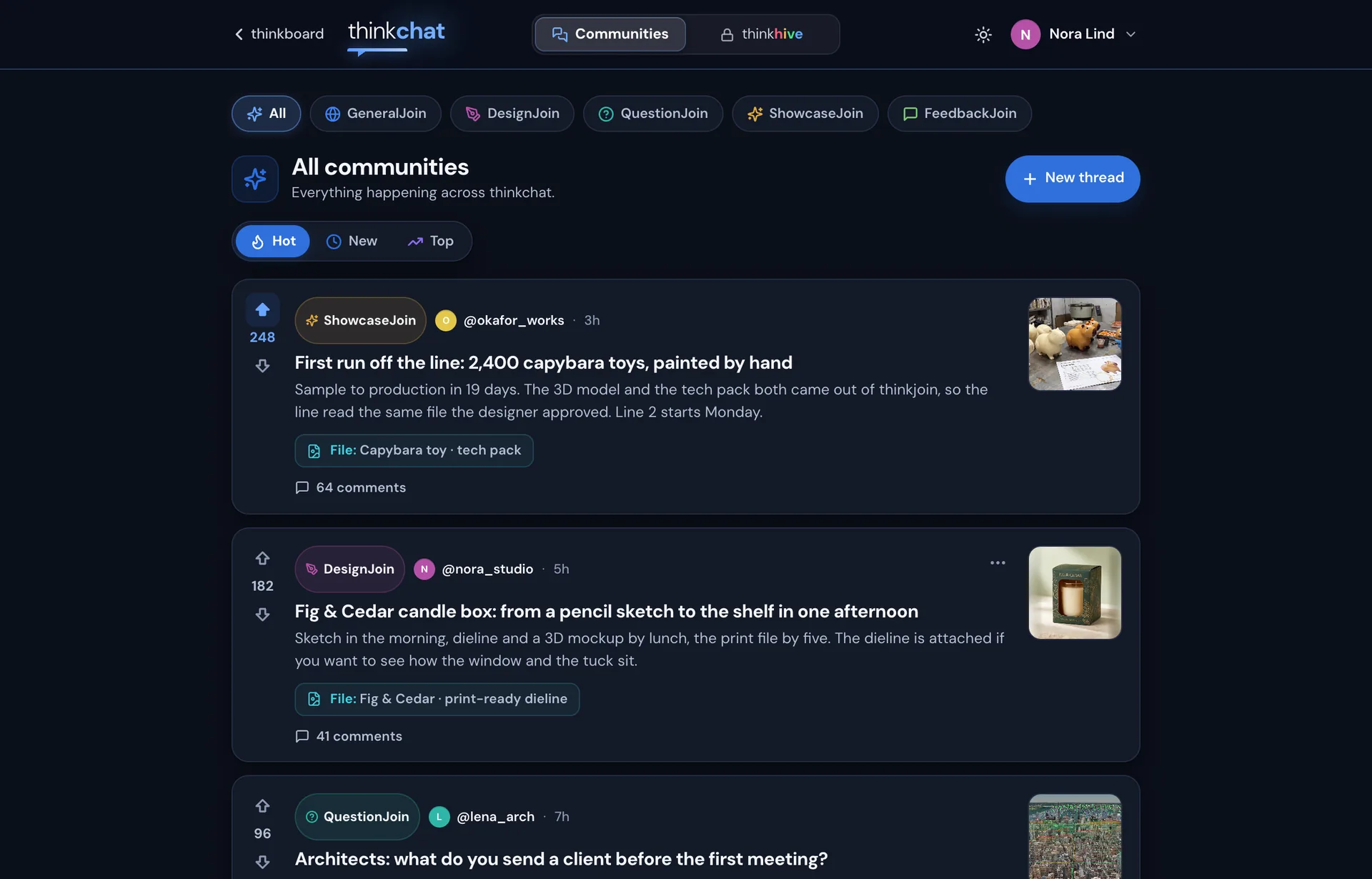
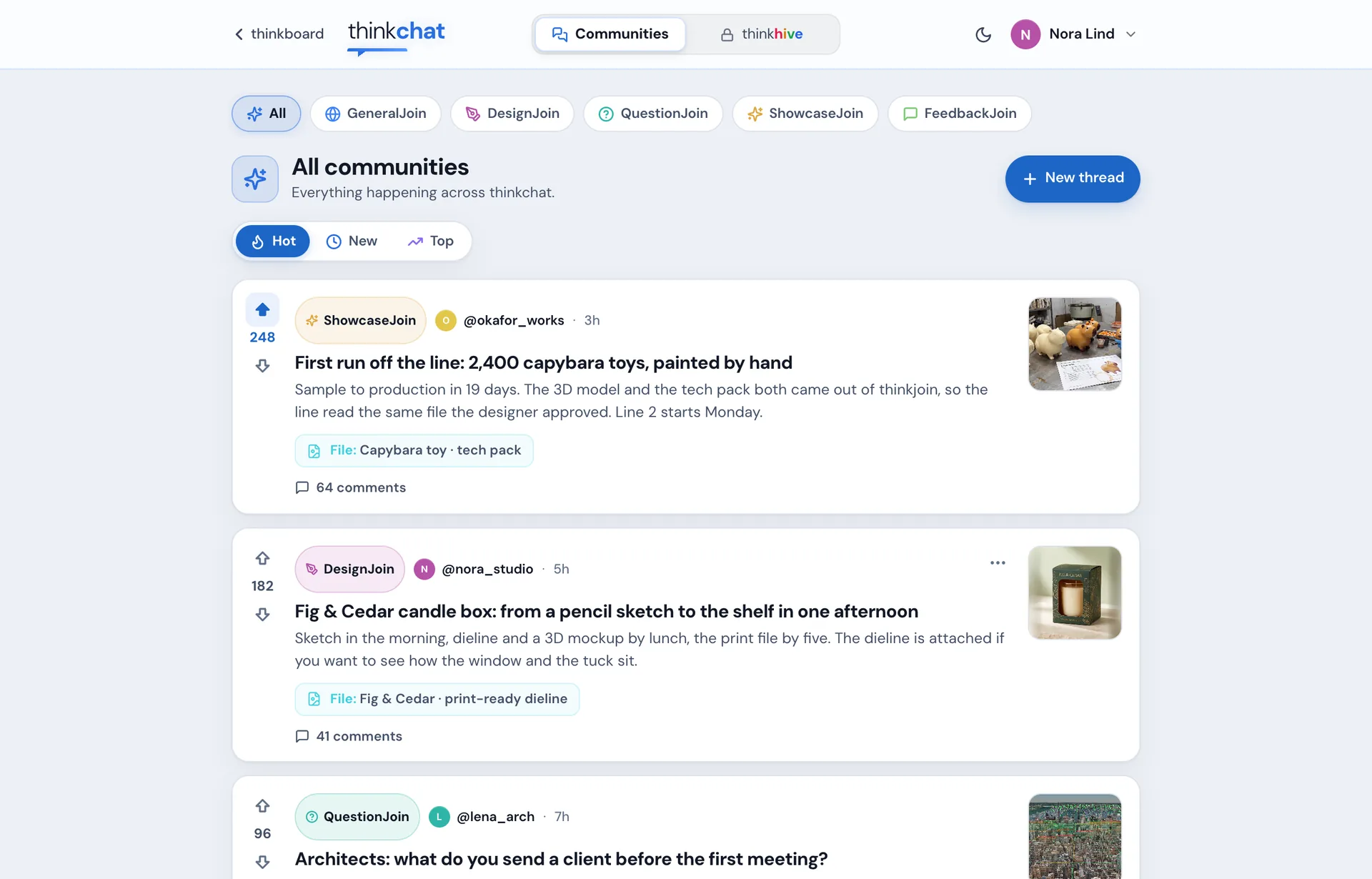
The thinkchat feed: All communities, sorted Hot, with threads from a factory owner, a packaging designer and an architect The thinkchat feed in light mode
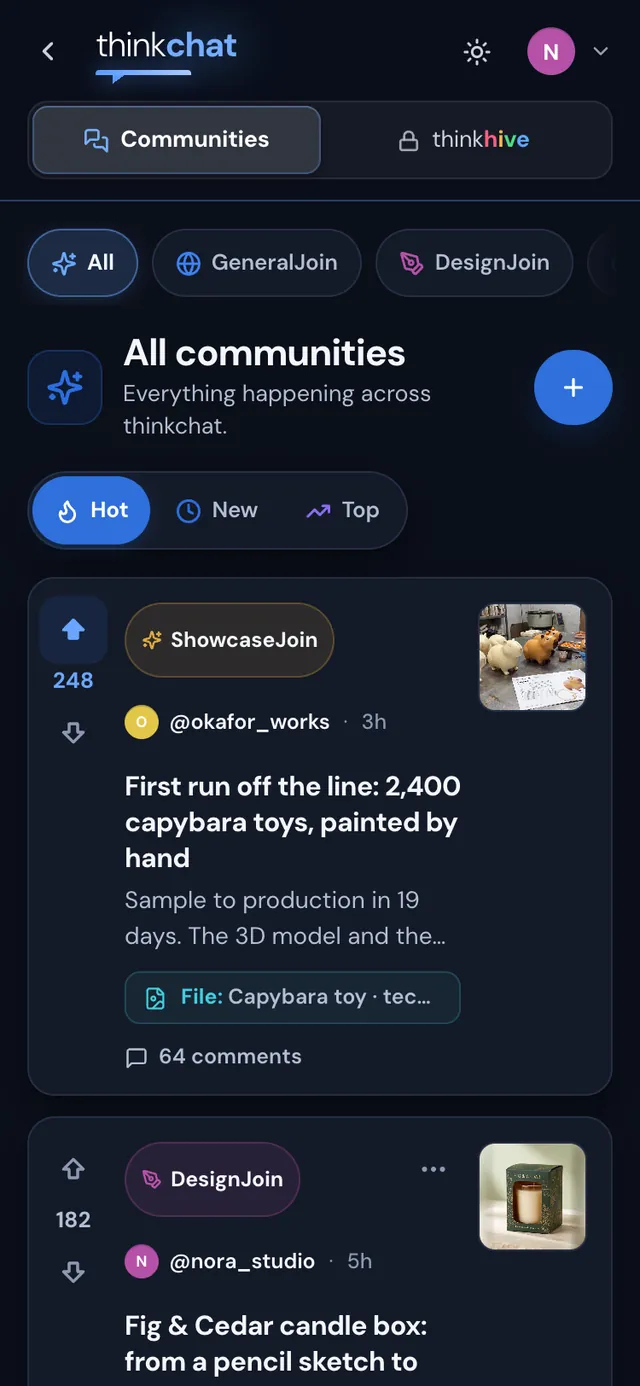
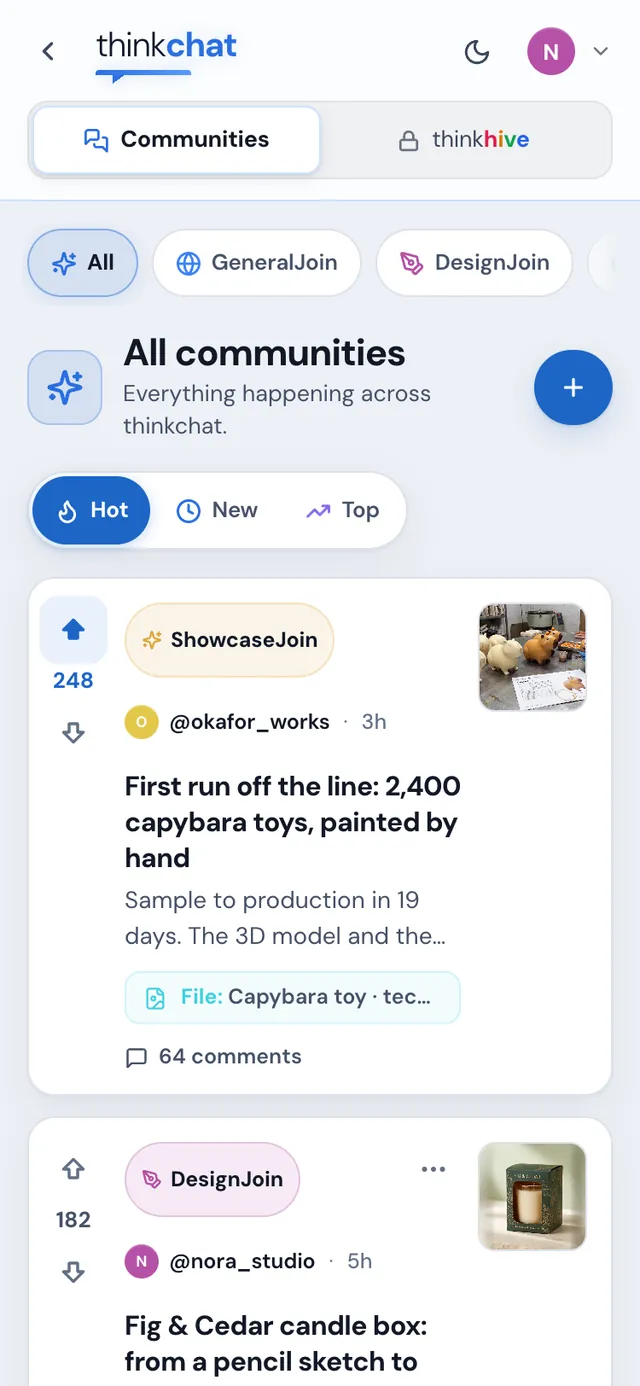
thinkchat on a phonethinkchat on a phone, light mode

The real thinkchat, in light and dark. Every member, post and hive in these pictures is made up for this page.

Three apps. One place.

LinkedIn, Reddit and Adobe. Finally in one.

Today you keep a profile on one site, talk shop on another and make the work in a third, then export, upload and explain. thinkchat puts the people, the conversation and the studios in the same place, so what you post is the work itself.

The people

One @username across thinkjoin. Your profile shows every thread you've posted and every comment you've made, plus your brain points: the upvotes your public posts have earned.
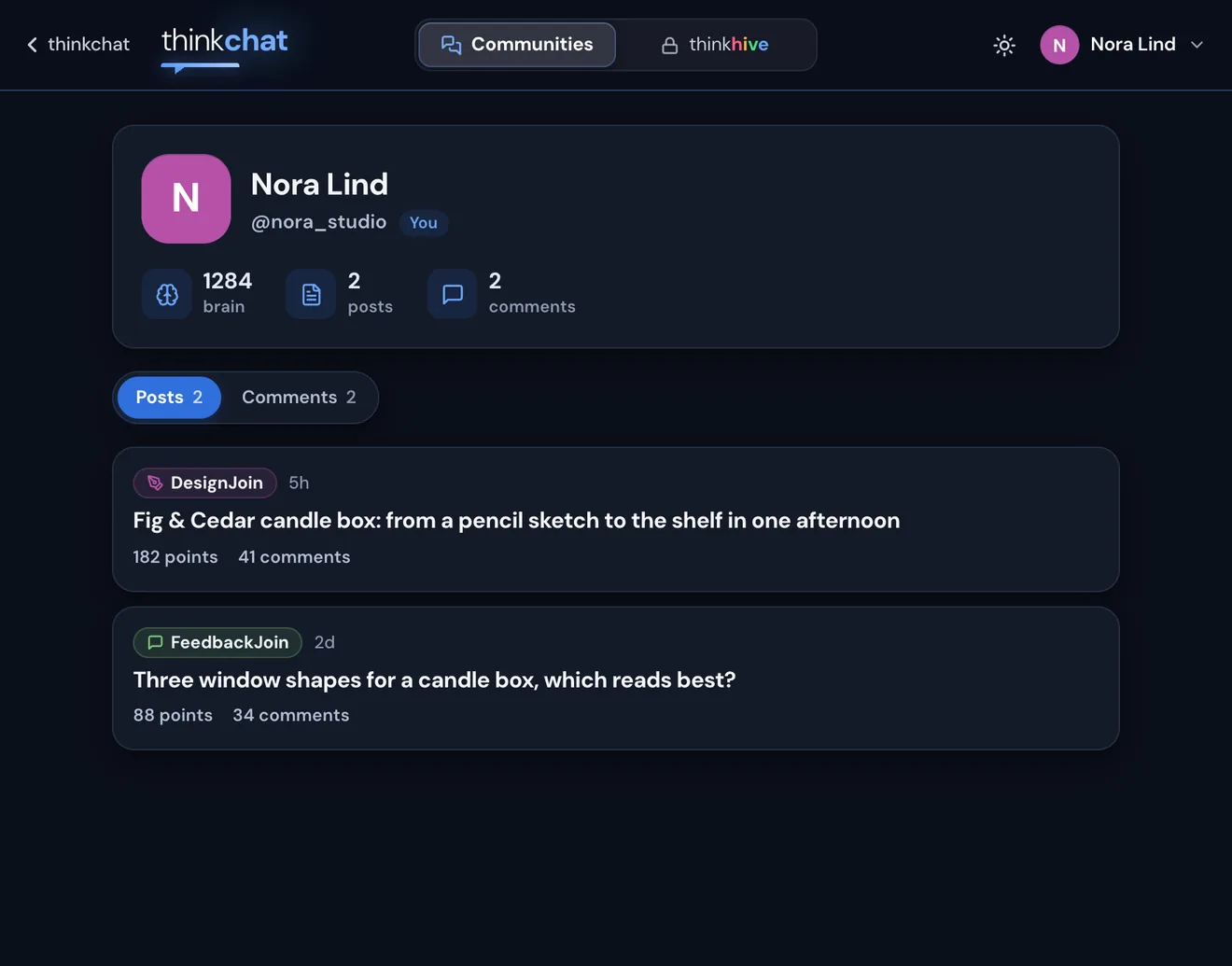
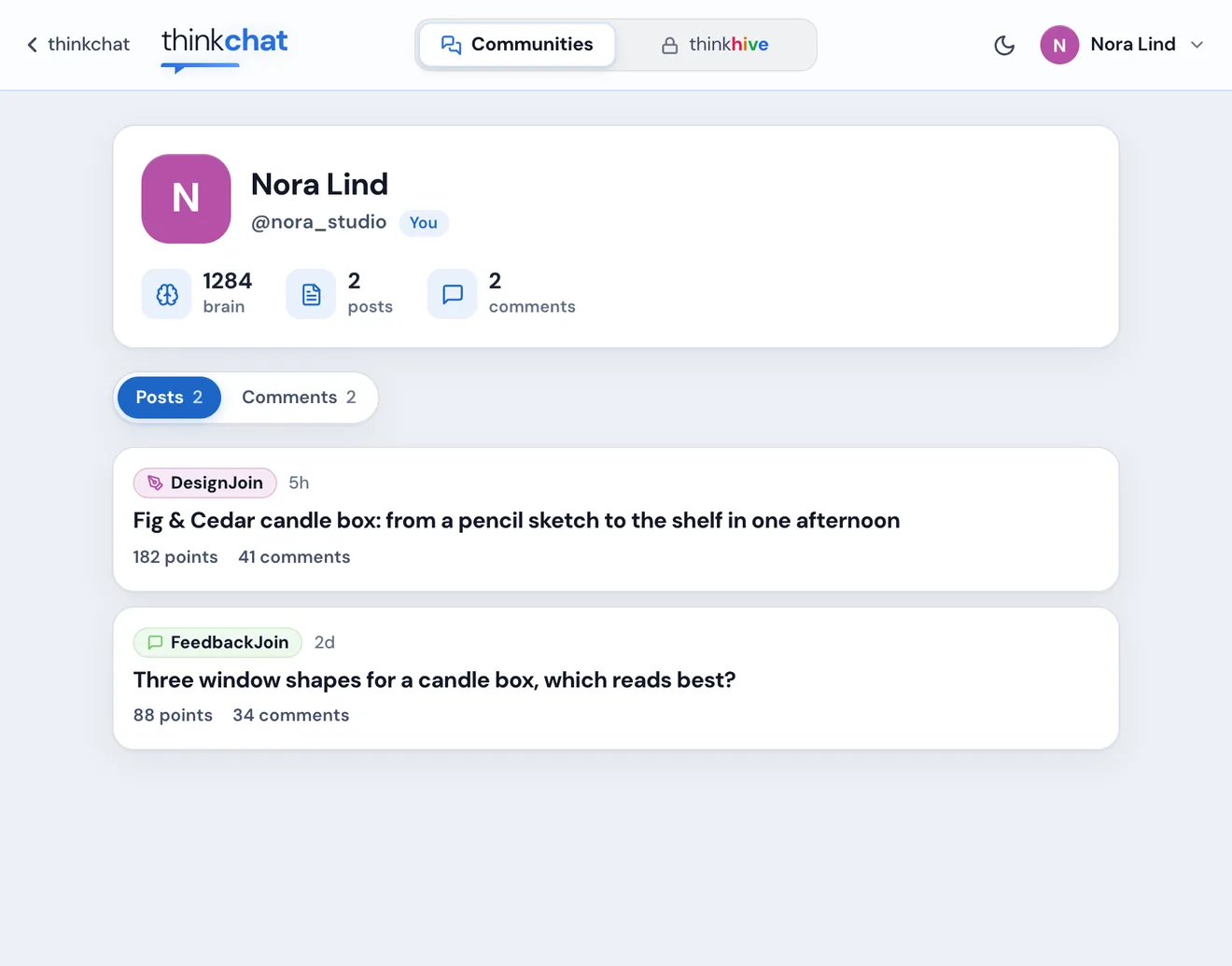
A thinkchat profile: Nora Lind, @nora_studio, brain points, posts and commentsA thinkchat profile in light mode

The threads

Five communities, each with its own feed. Sort by Hot, New or Top, vote up or down, comment, and reply right under a comment.
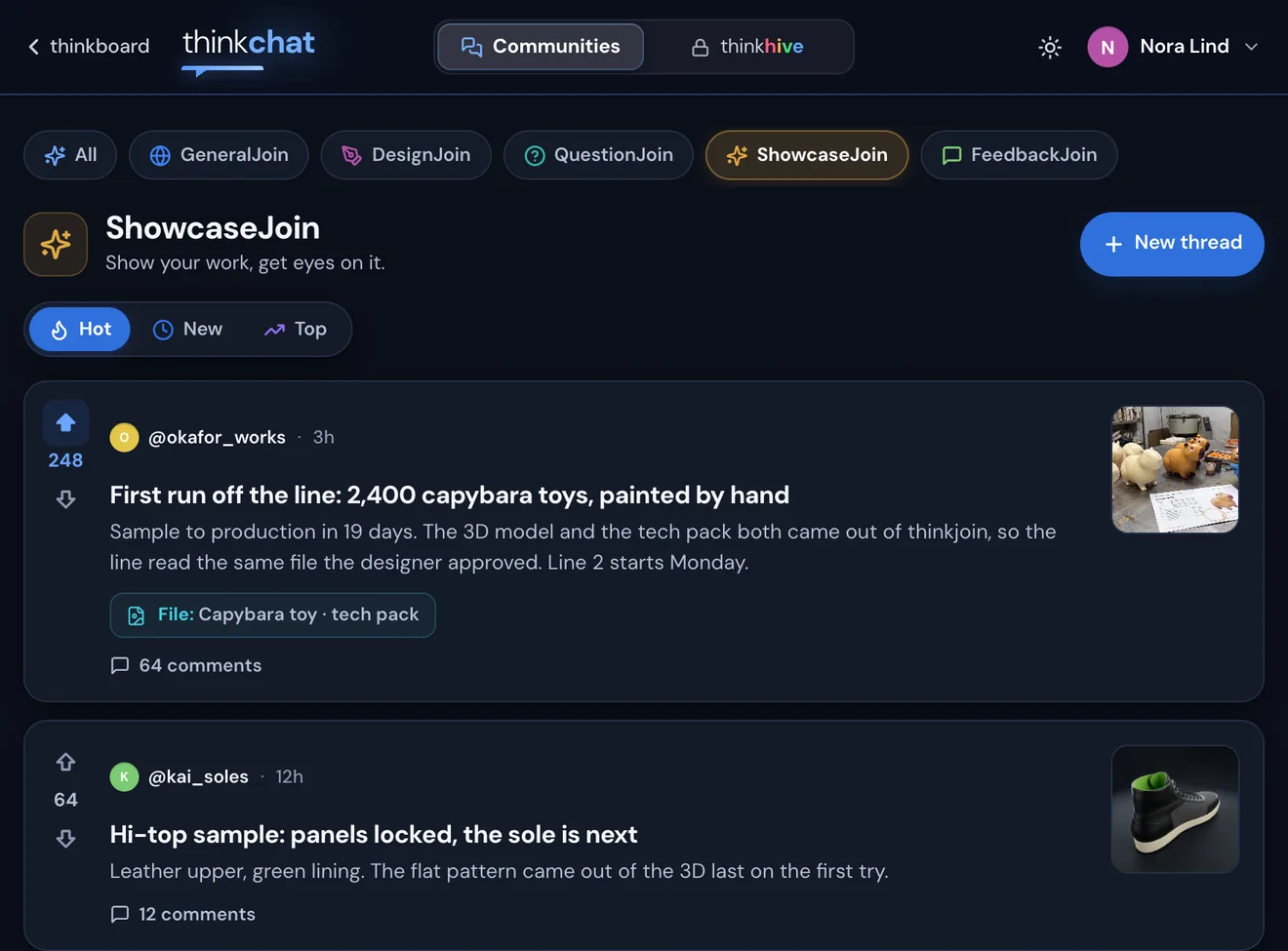
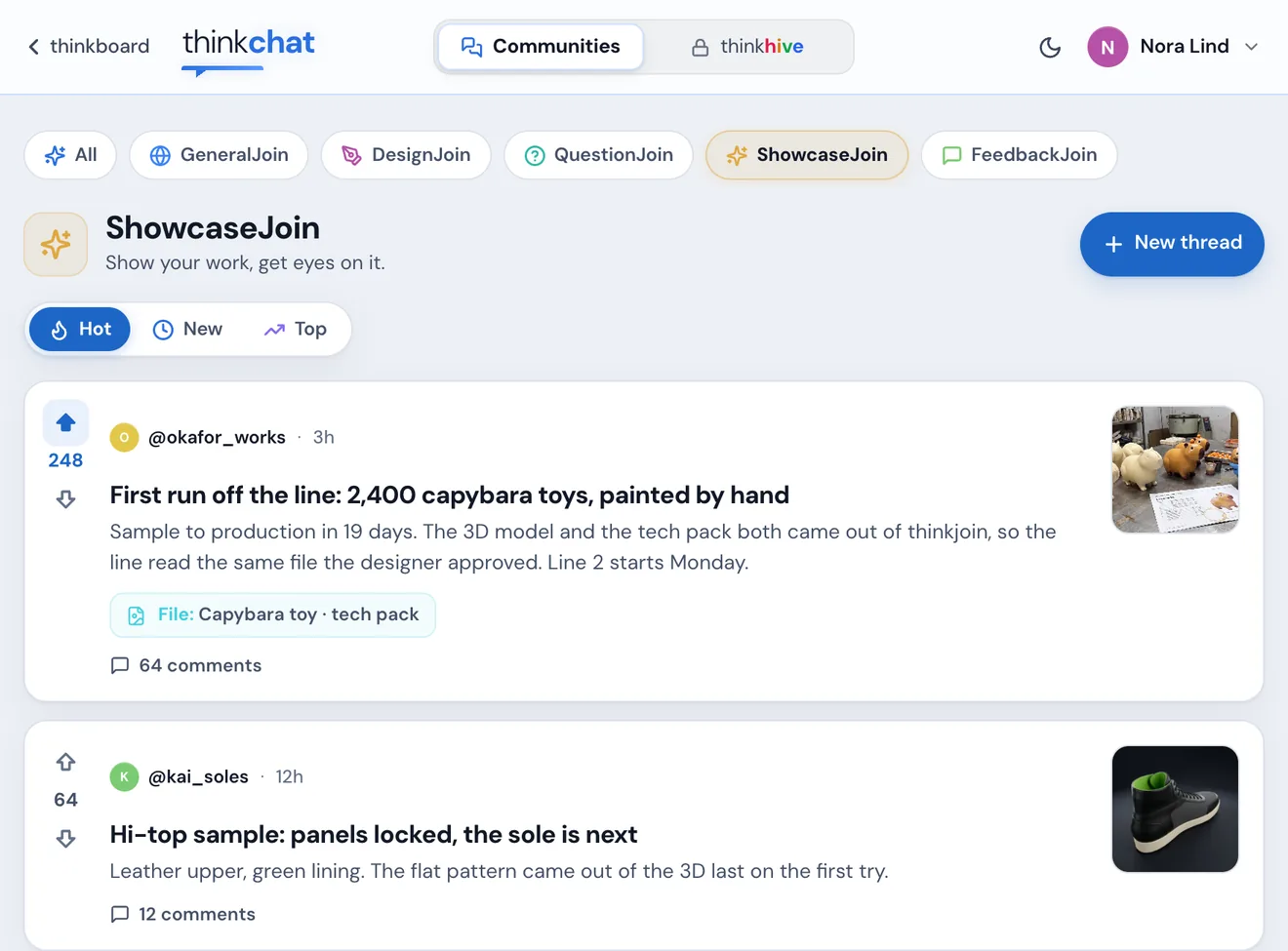
The ShowcaseJoin community feed with votes and commentsThe ShowcaseJoin community feed in light mode

The studios

Pictures, film, 3D, packaging, decks and shoes are made on thinkjoin, in its studios and by Steve. So a thread carries the real file, not a picture of it.
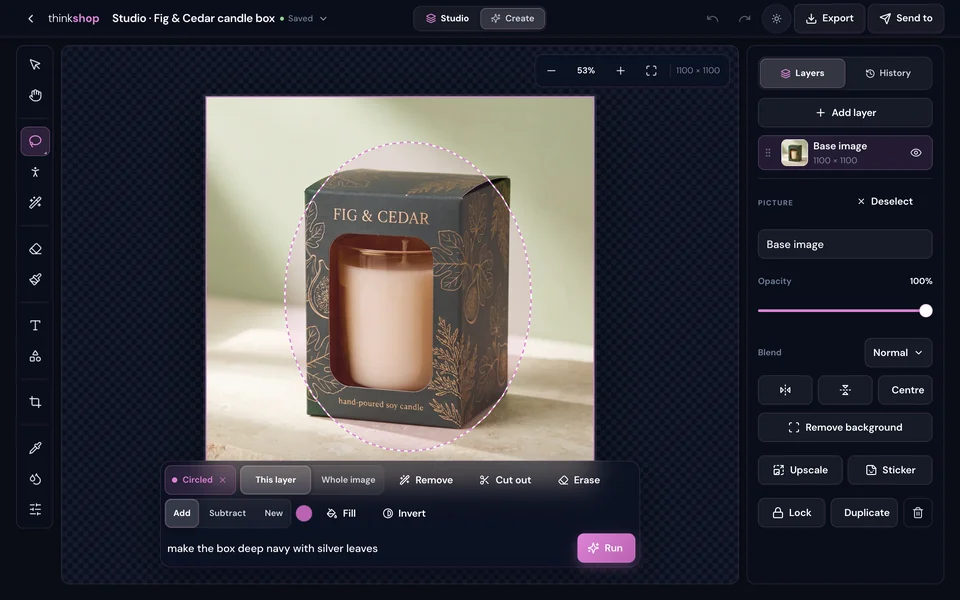
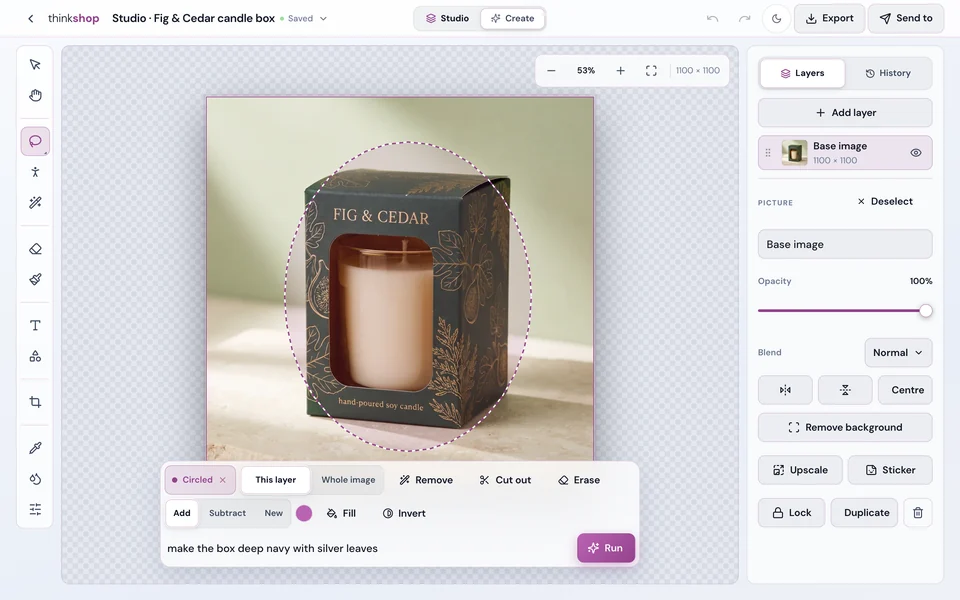
thinkshop
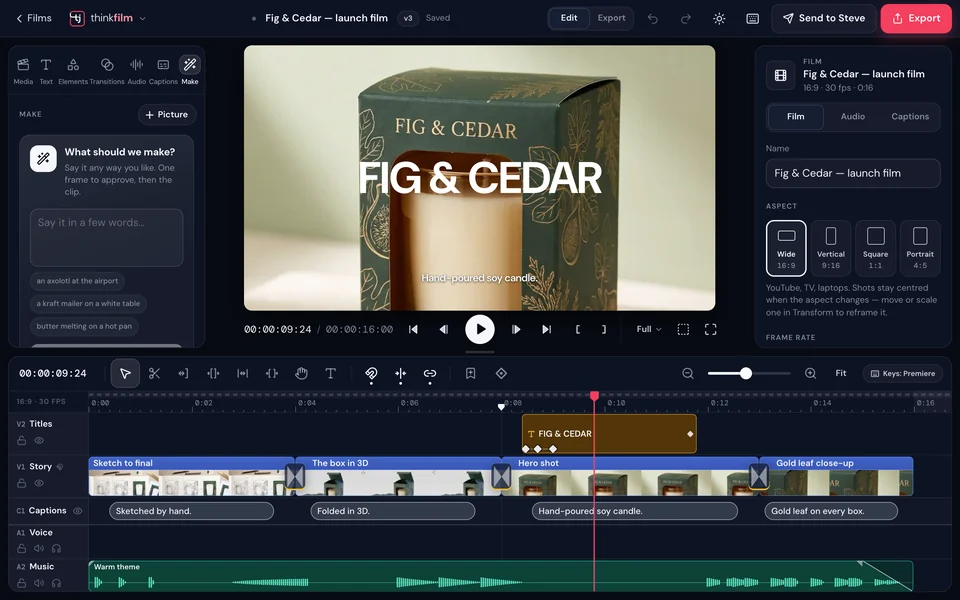
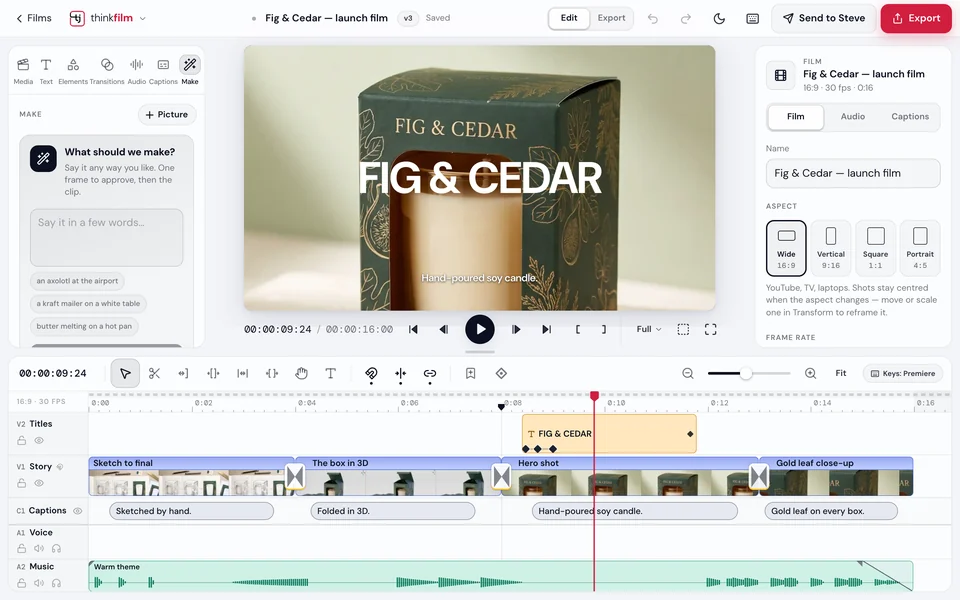
thinkfilm

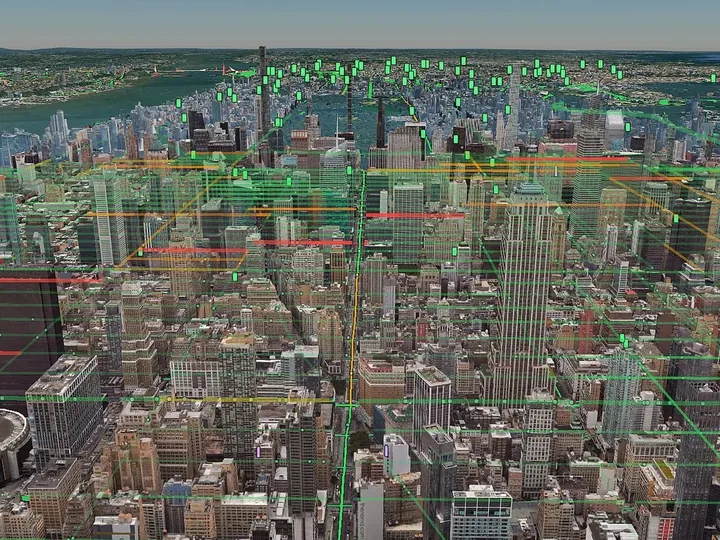
thinkmesh
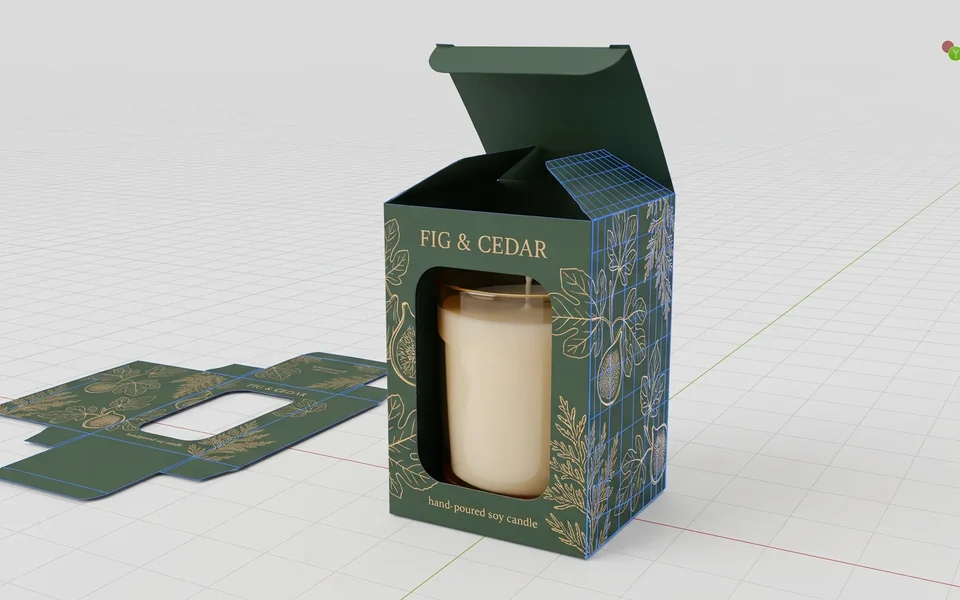
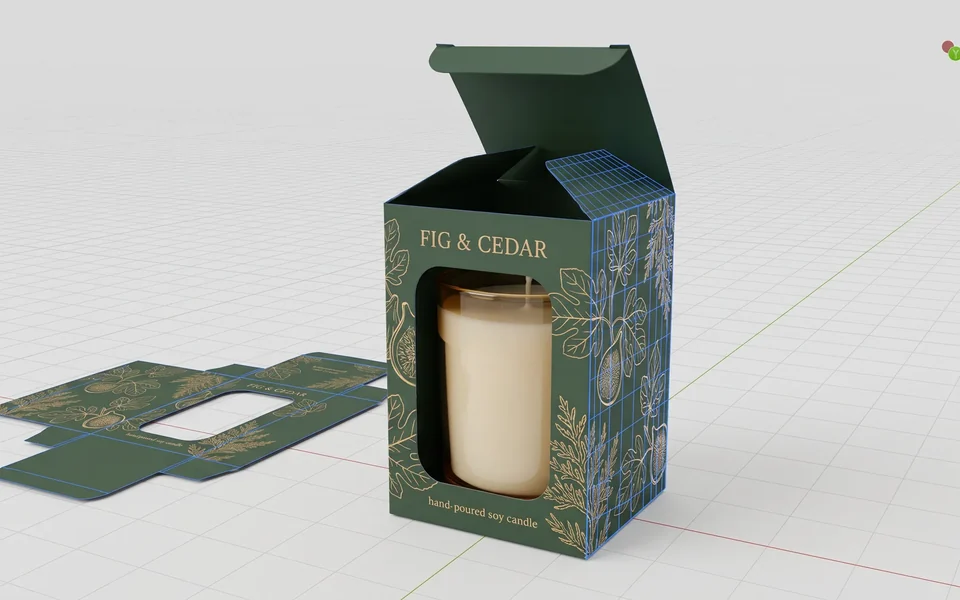
thinkpack

Every trade, one table

From architects to factory owners.

The designer who drew the box, the factory that runs it and the filmmaker who shoots the launch, in the same thread. This is what a morning on thinkchat looks like.
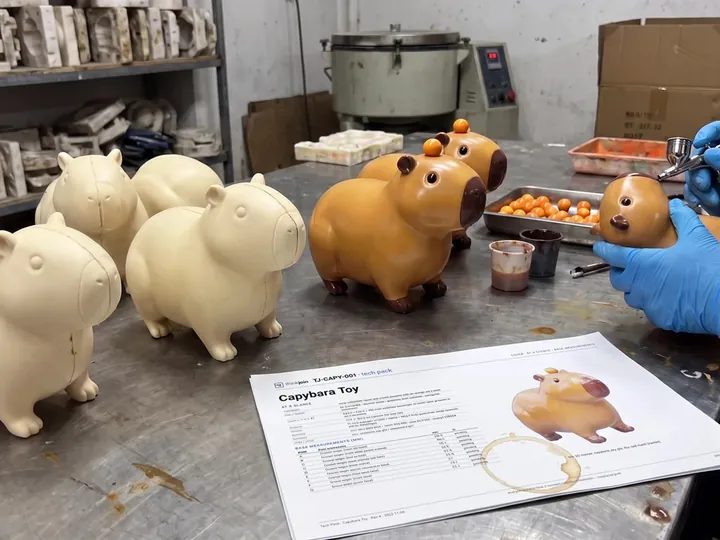

Hand-painted capybara toys on a factory table
O@okafor_worksFactory owner

First run off the line: 2,400 capybara toys, painted by hand

ShowcaseJoin▲ 24864 comments
The Fig and Cedar candle box on a shelf
N@nora_studioPackaging designer

Fig & Cedar candle box: from a pencil sketch to the shelf in one afternoon

DesignJoin▲ 18241 comments
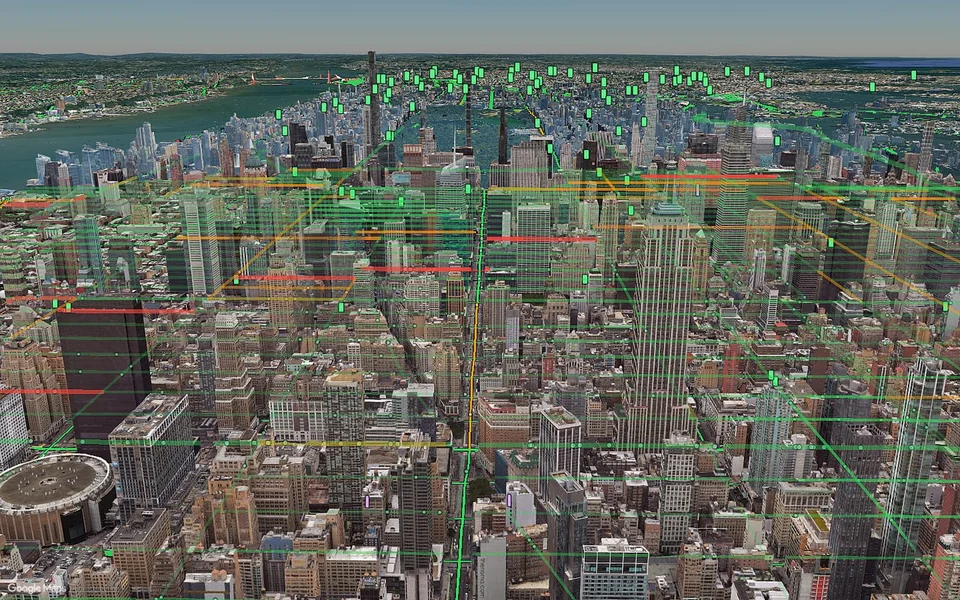
A 3D city block seen from above
L@lena_archArchitect

Architects: what do you send a client before the first meeting?

QuestionJoin▲ 9628 comments
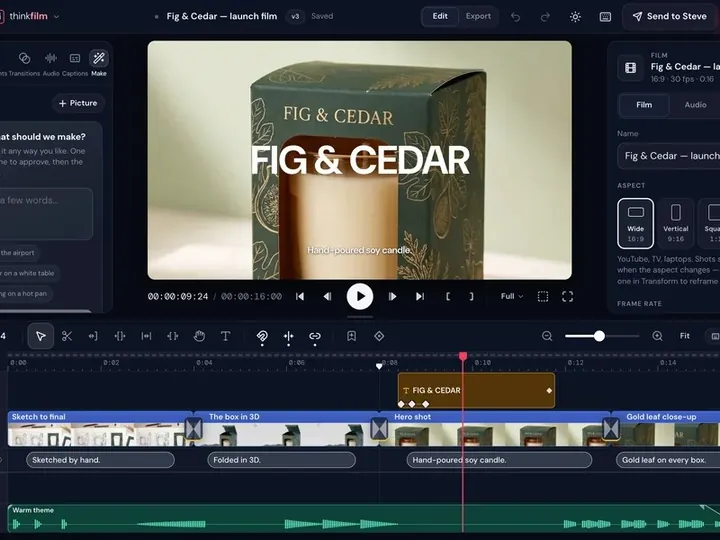
A launch film open on a thinkfilm timeline
T@theo_cutsFilmmaker

Launch film, cut 3. Is the middle too long?

FeedbackJoin▲ 7319 comments
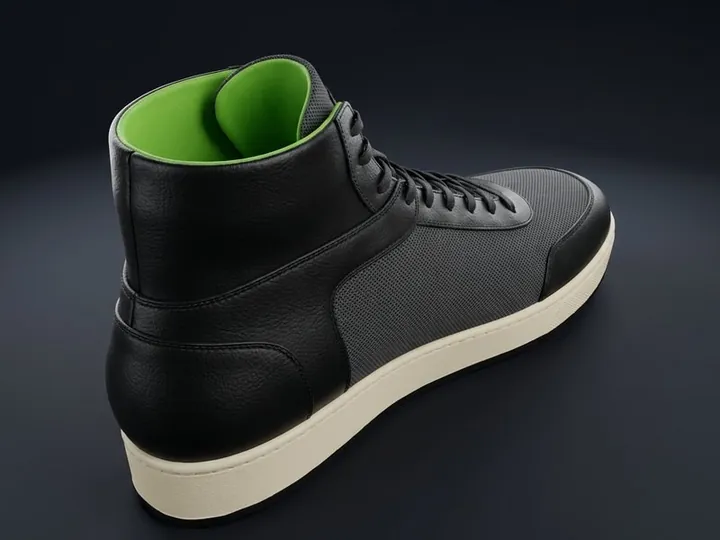
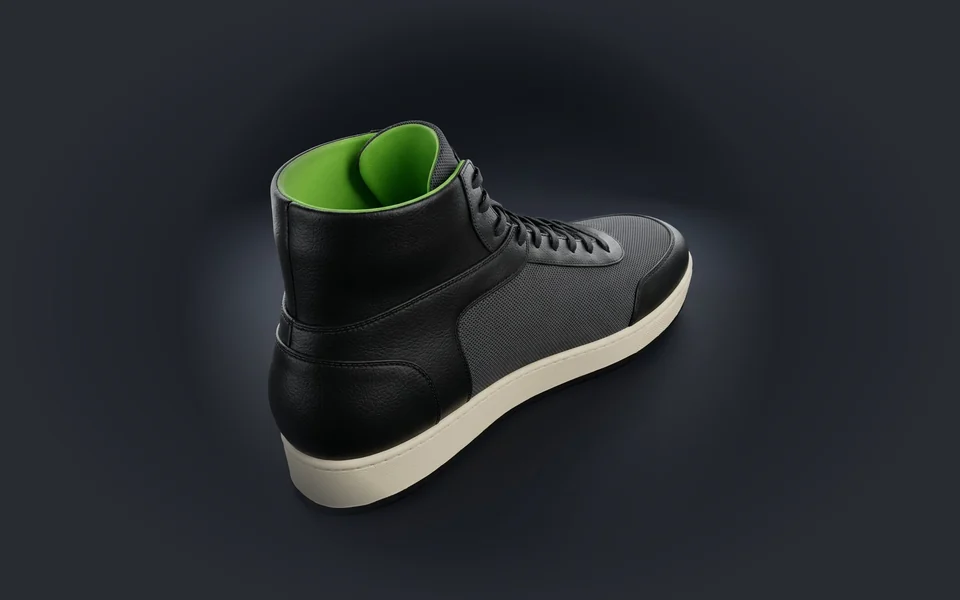
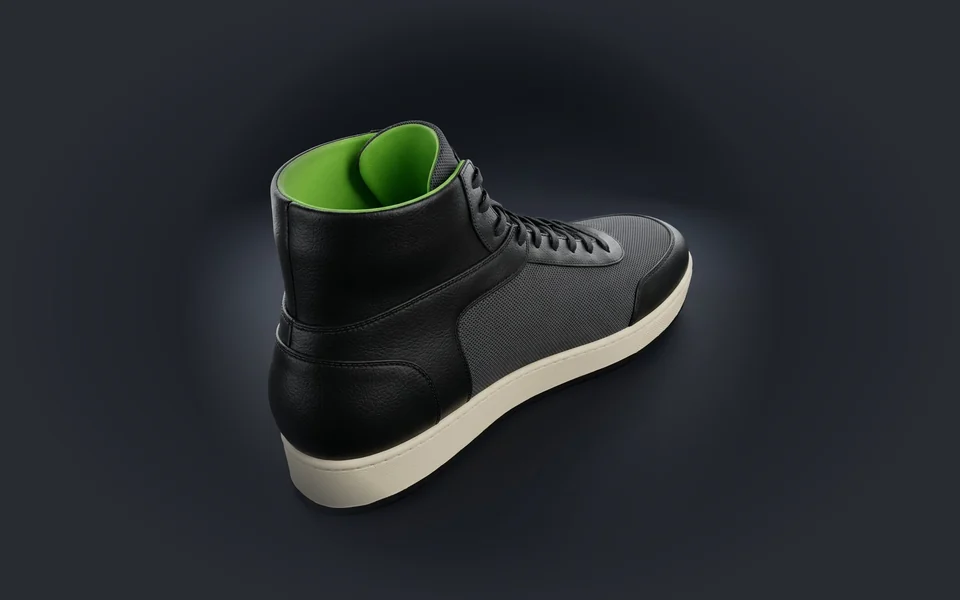
A black leather hi-top sneaker sample
K@kai_solesFootwear designer

Hi-top sample: panels locked, the sole is next

ShowcaseJoin▲ 6412 comments
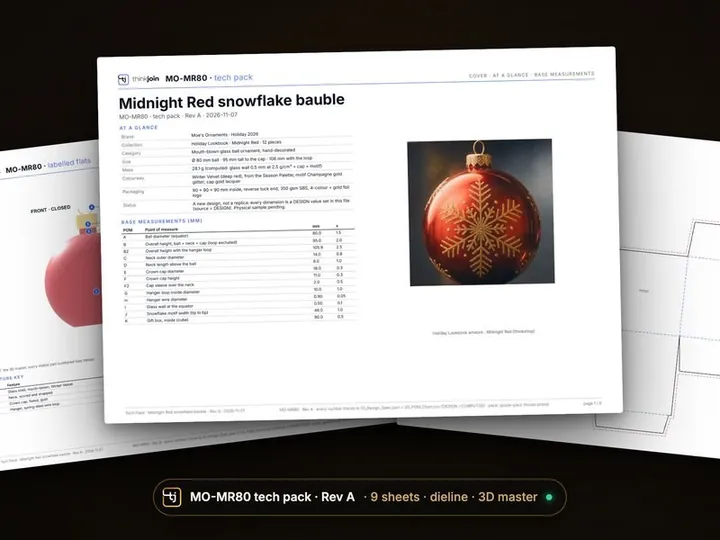
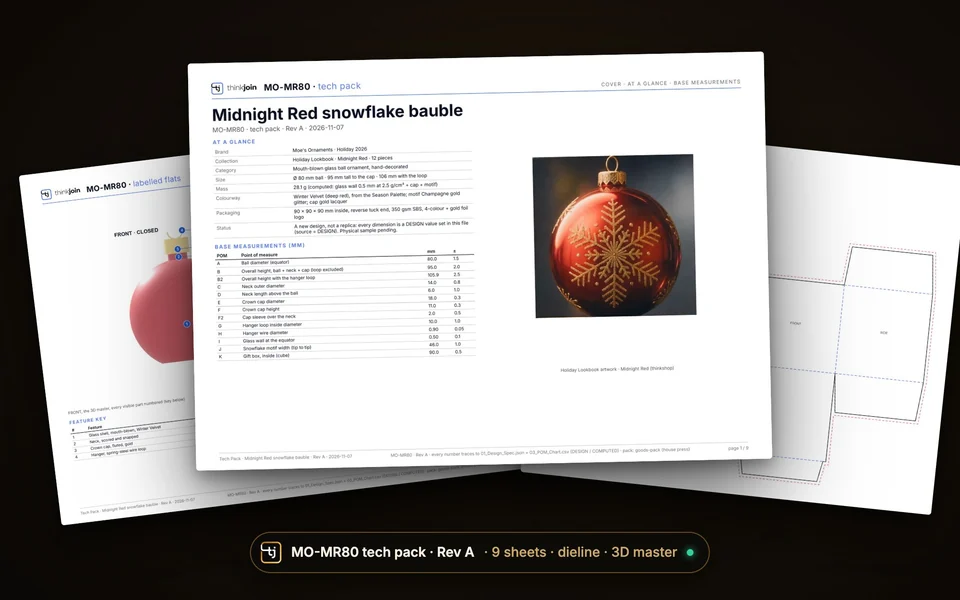
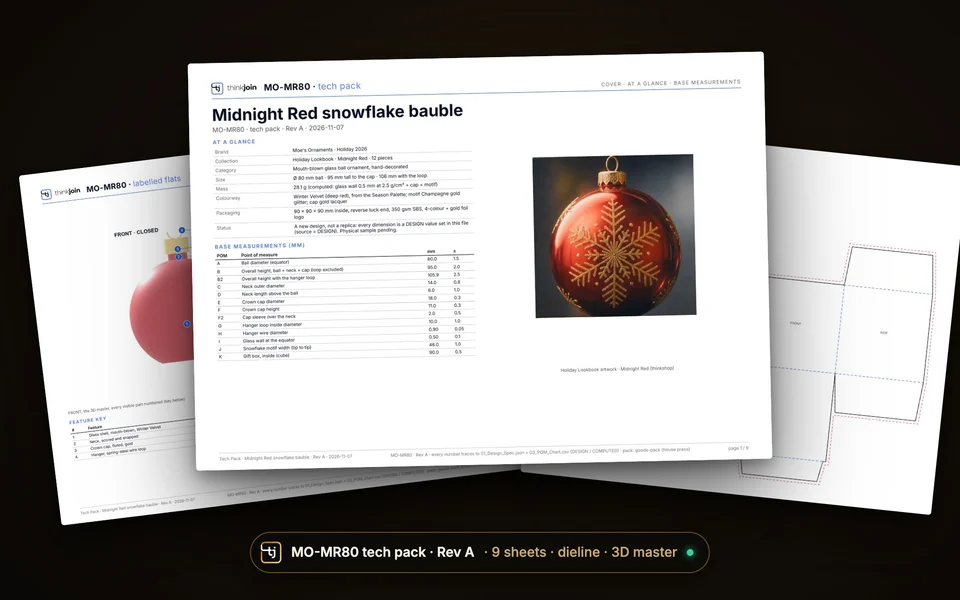
A nine-sheet tech pack for a glass bauble
P@priya_sourcingSourcing lead

Looking for a factory that can run a 9-sheet tech pack by December

GeneralJoin▲ 5123 comments

Sample posts, made up for this page. The five communities are real:

GeneralJoinThe town square. Anything goes.
DesignJoinDesign craft, tools, inspiration, process.
QuestionJoinAsk anything, get answers.
ShowcaseJoinShow your work, get eyes on it.
FeedbackJoinRequest critique, give feedback.

Post the real thing

Attach the work, not a screenshot of it.

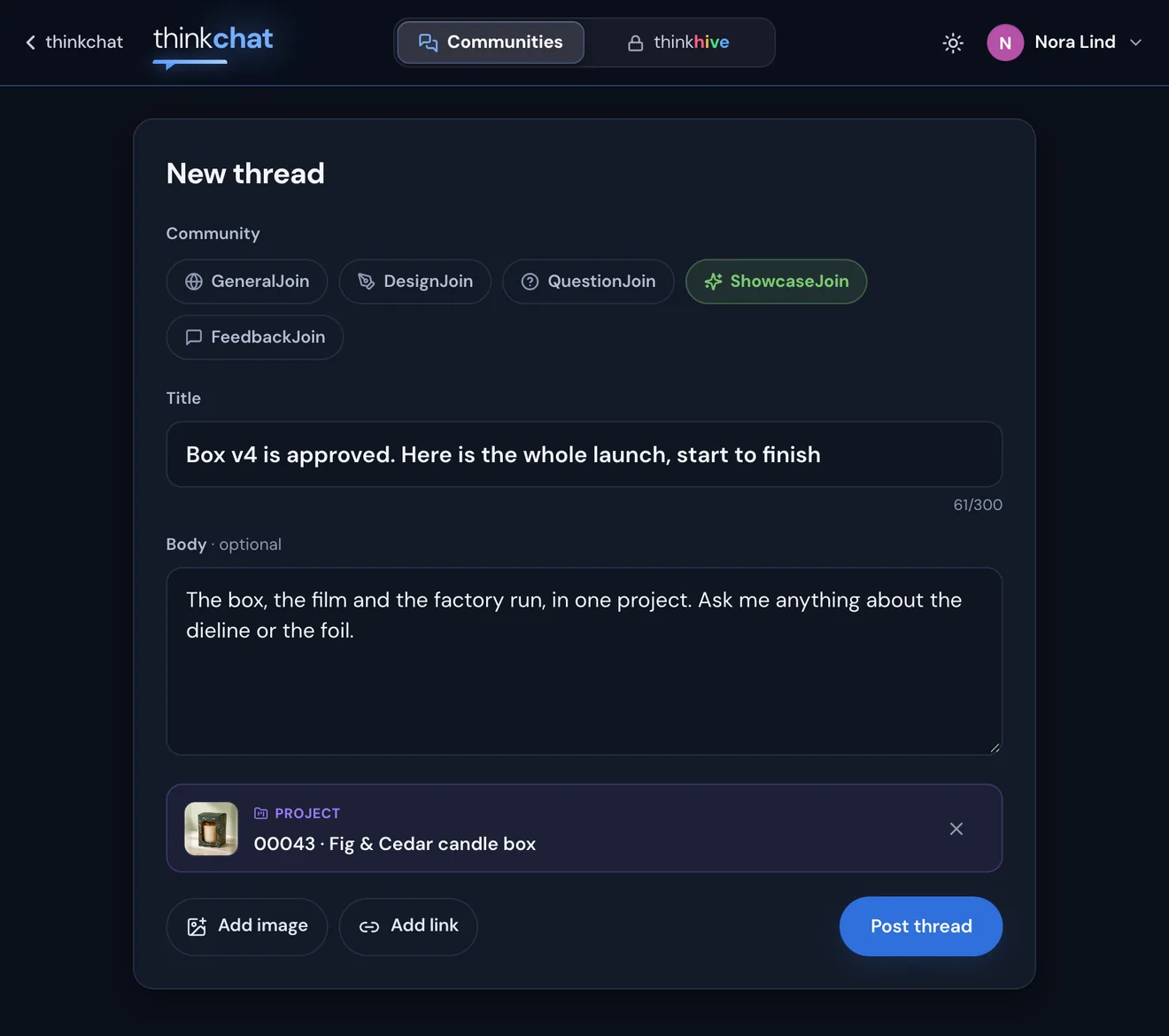
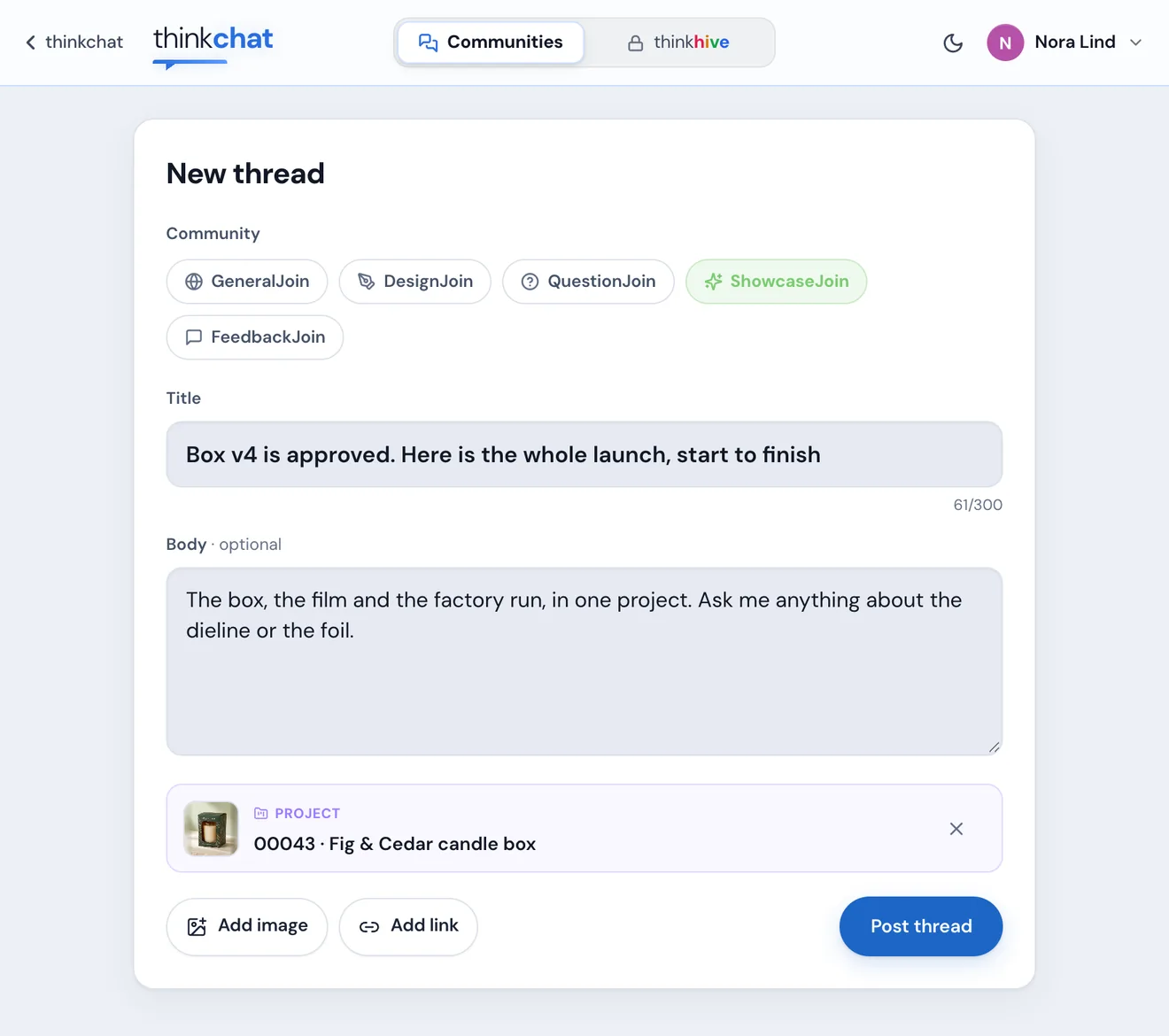
Every thread can carry one piece of your thinkjoin: a project, a hive or a file from your Library. Add a picture or a link too, pick the community, and post.
New thread
The New thread page: ShowcaseJoin picked, a title and body typed, project 00043 attachedThe New thread page in light mode
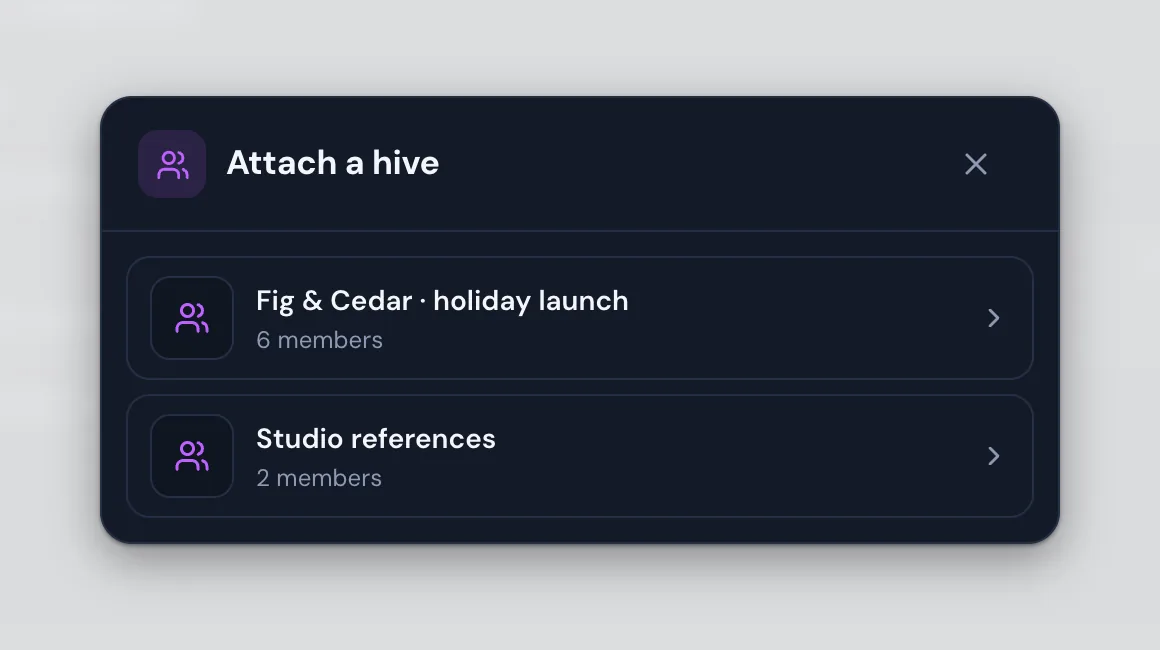
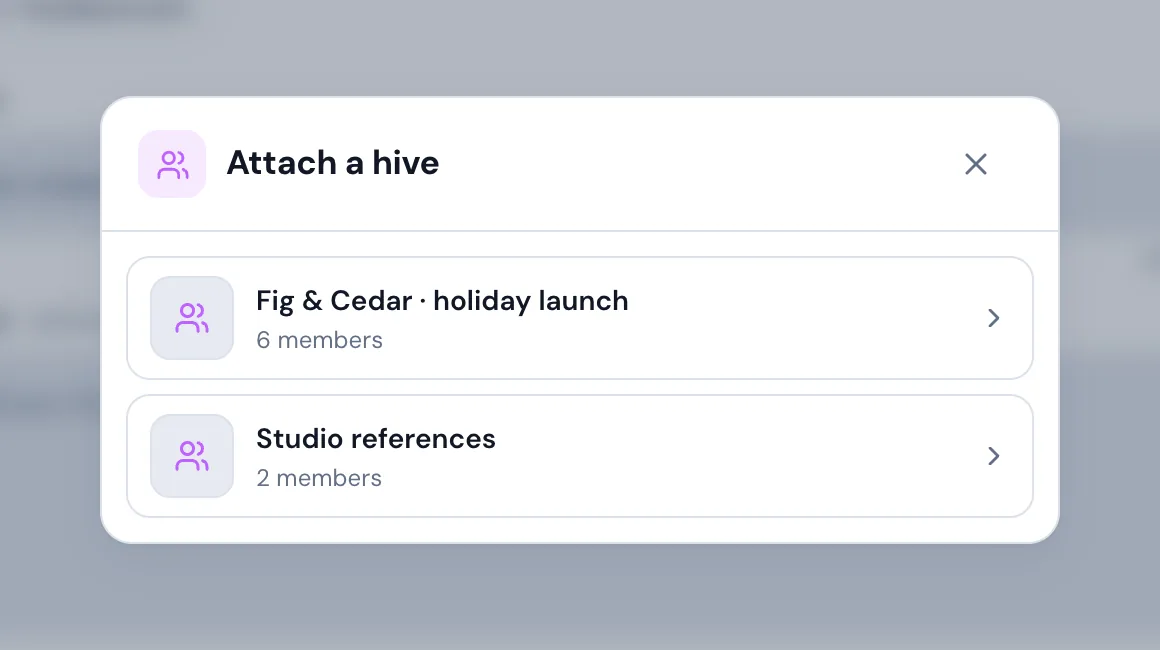
Attach a hive: the member's library hivesAttach a hive, light mode
  • A projectAny project of yours on thinkjoin, with its cover. Readers open it from the thread.
  • A hiveOne of your library hives, so the team's shared folder travels with the thread.
  • A file from your LibraryA shot, a deck, a packaging design, a video, an engineering project or a design concept.
  • A picture and a linkAdd your own image or a link, on any thread.
  • The right communityFive to choose from, each with its own feed and colour.
thinkjoin.com/thinkchat/post
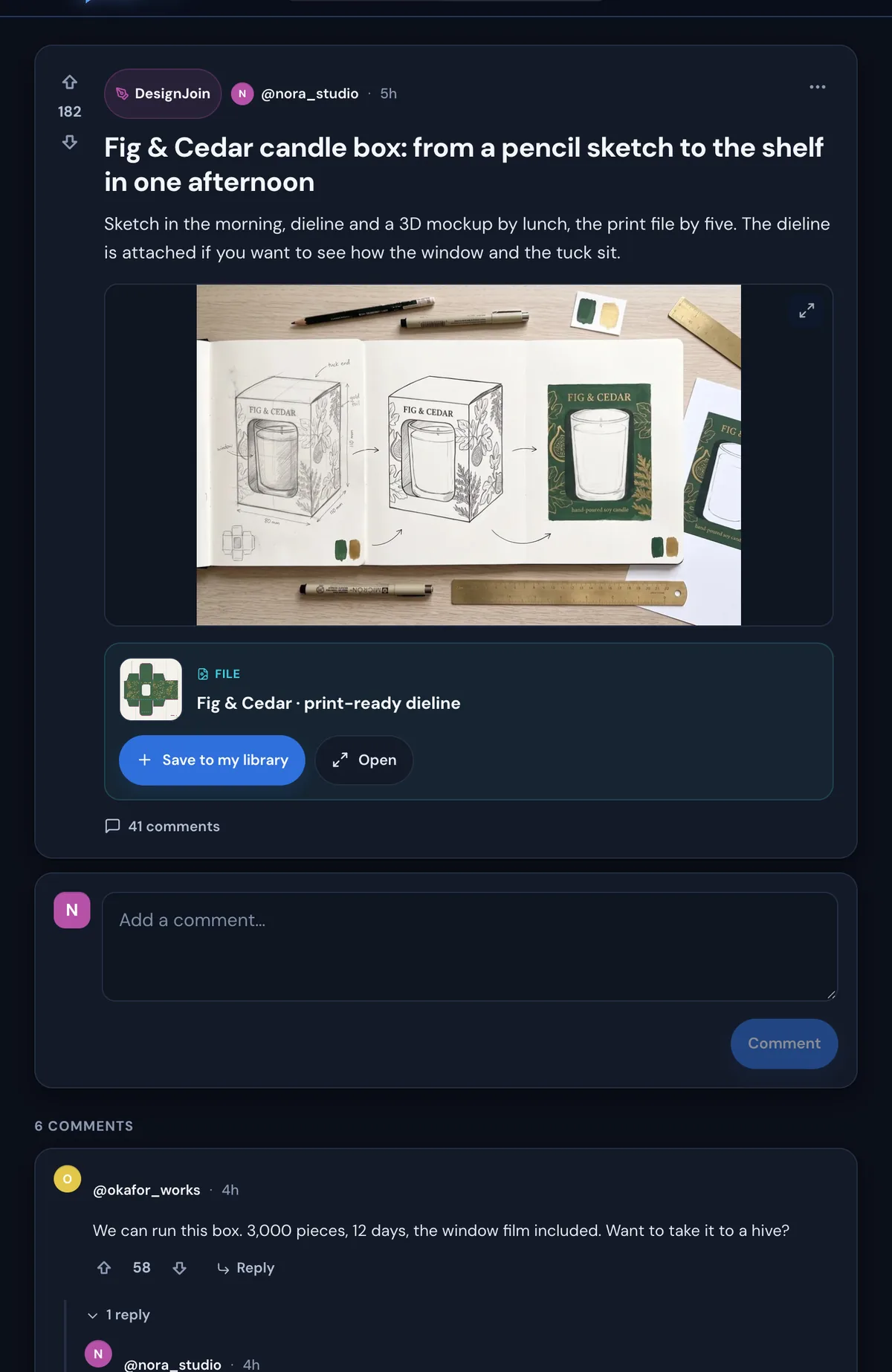
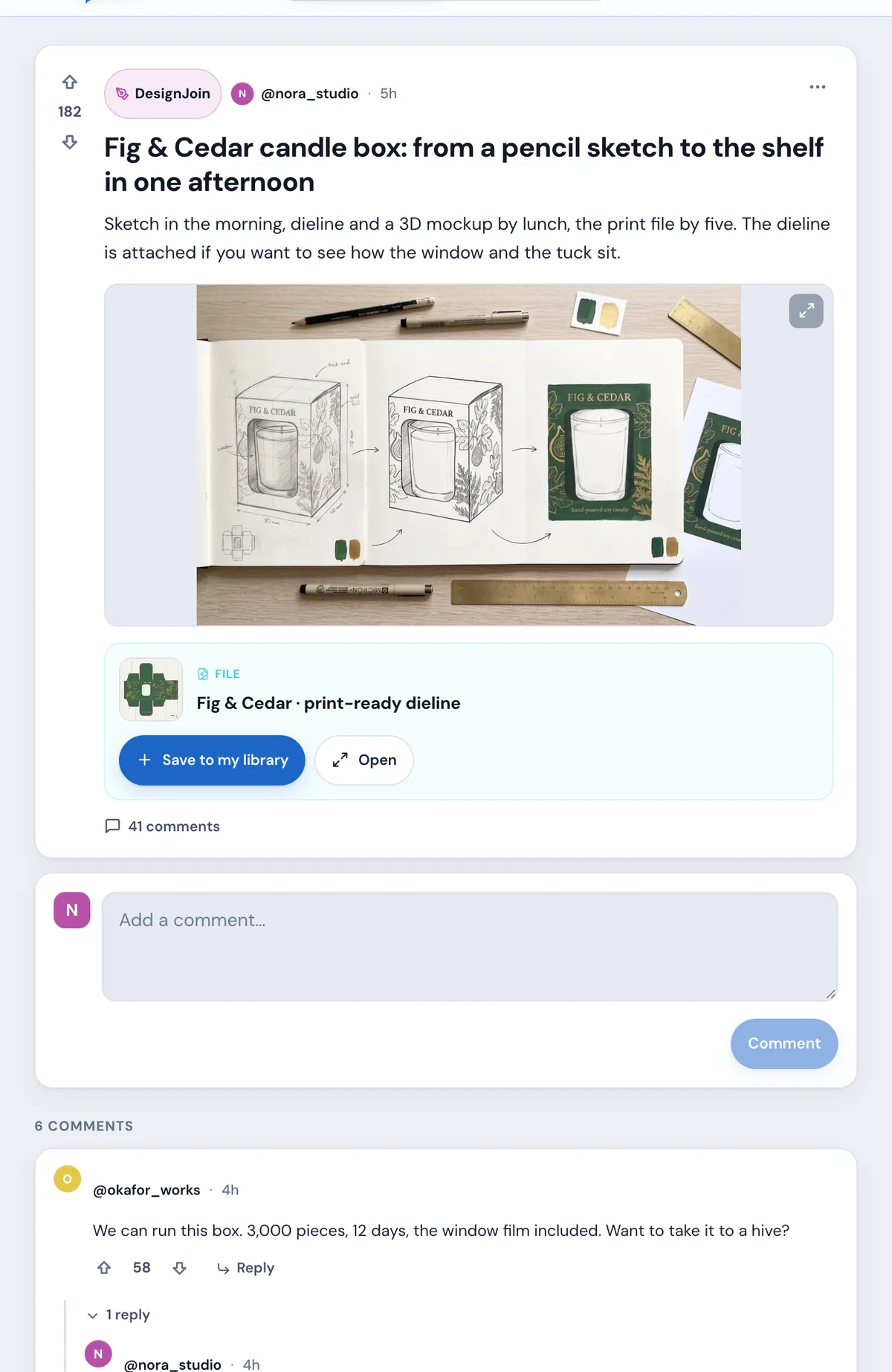
A thread: the Fig and Cedar box, its dieline attached with Save to my library, and the commentsA thread in light mode

Take it with you

See it. Save it. Make it yours.

Open a thread and the file is right there. Tap Save to my library and a copy lands in your own Library, ready to work on.

  • Save to my libraryA file on a thread is one tap from your Library.
  • Vote and replyUp or down on every thread and comment. Replies sit right under the comment they answer.
  • Never an e-mailMembers show as @username. Nobody's e-mail address is shown to other members, anywhere in thinkchat.

thinkhive · private rooms

When it's time to work, go private.

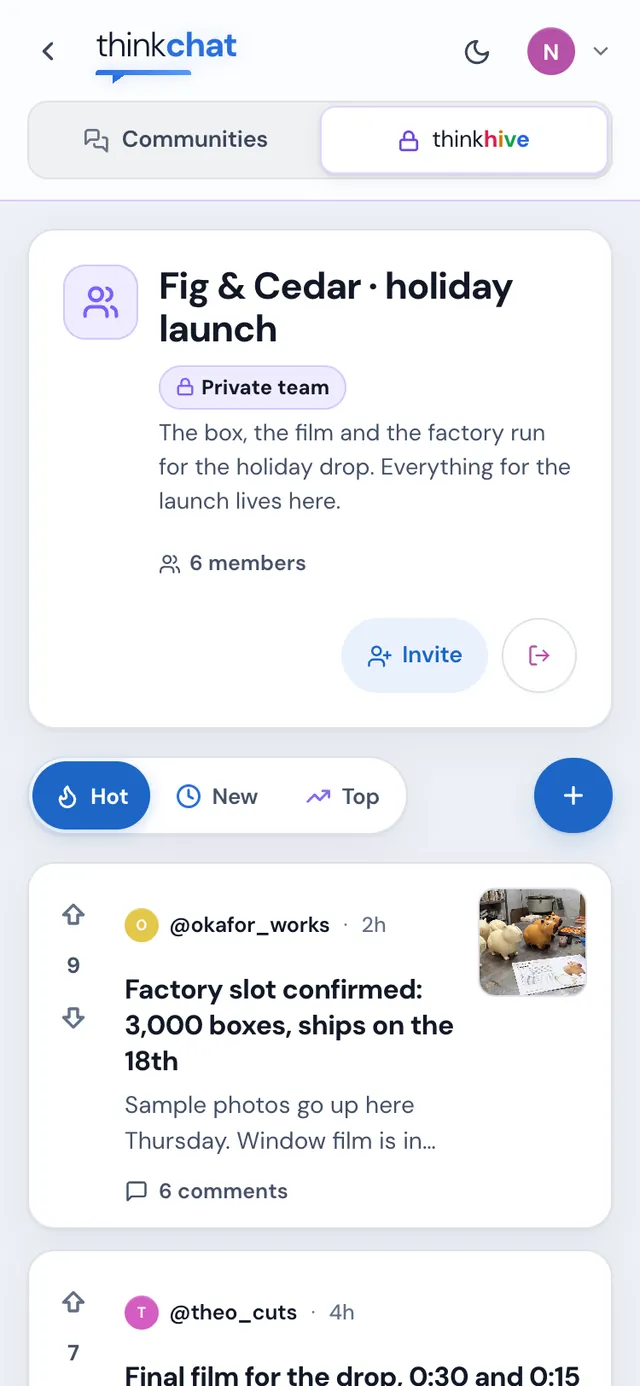
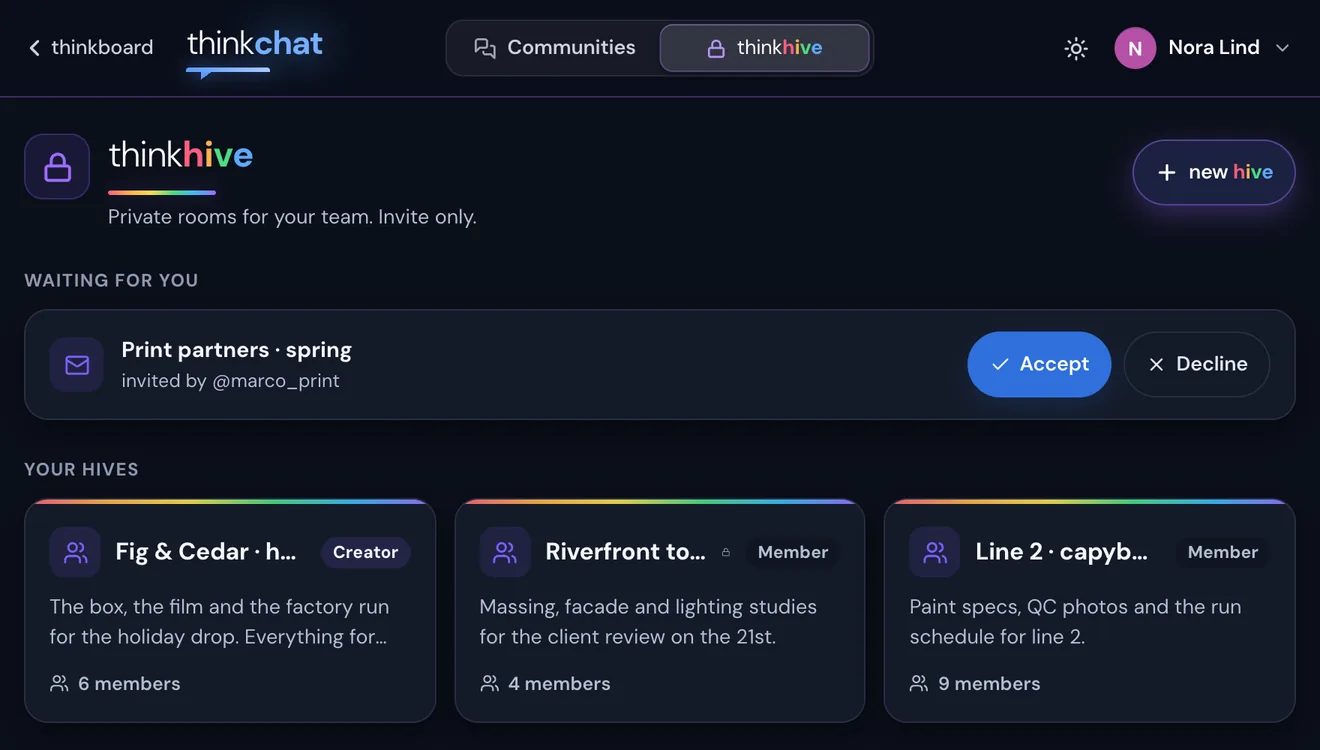
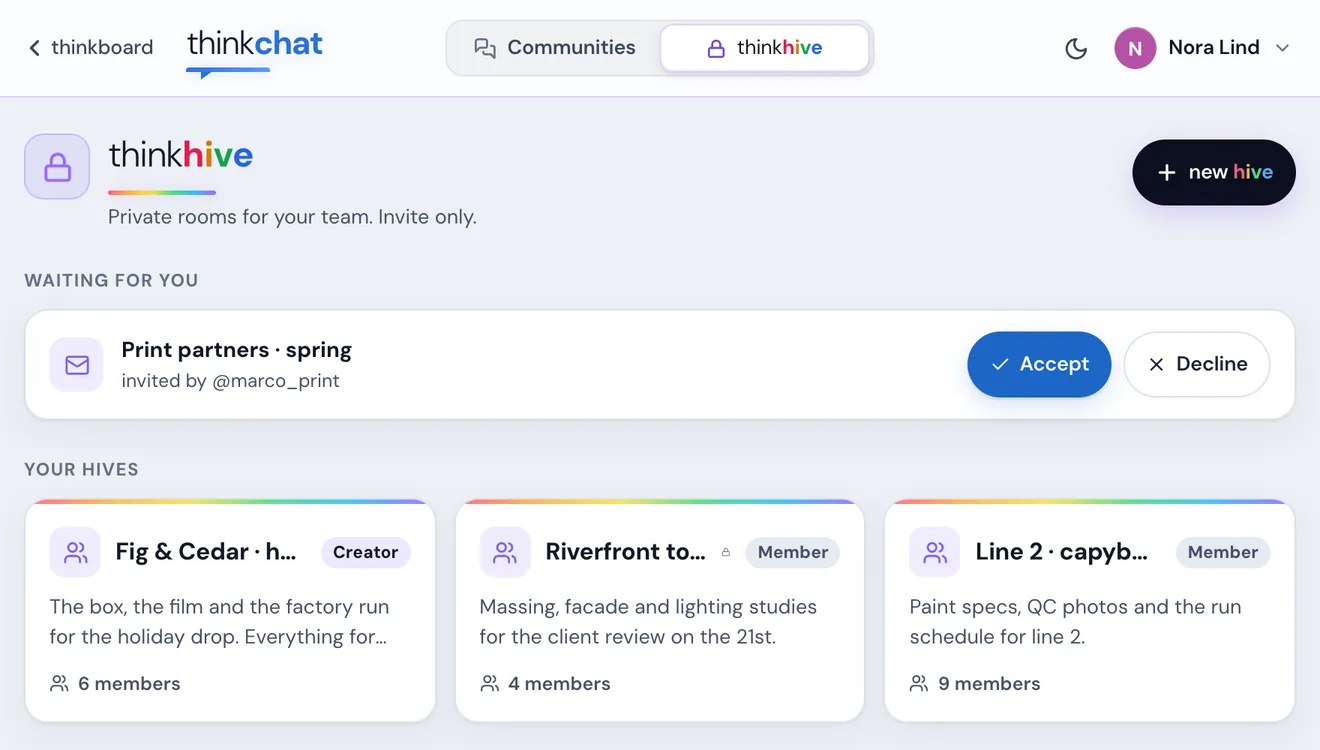
A hive is your team's private room: threads only its members see, with the same files, votes and comments. Make one in a tap and bring the people from the thread in.
thinkhive
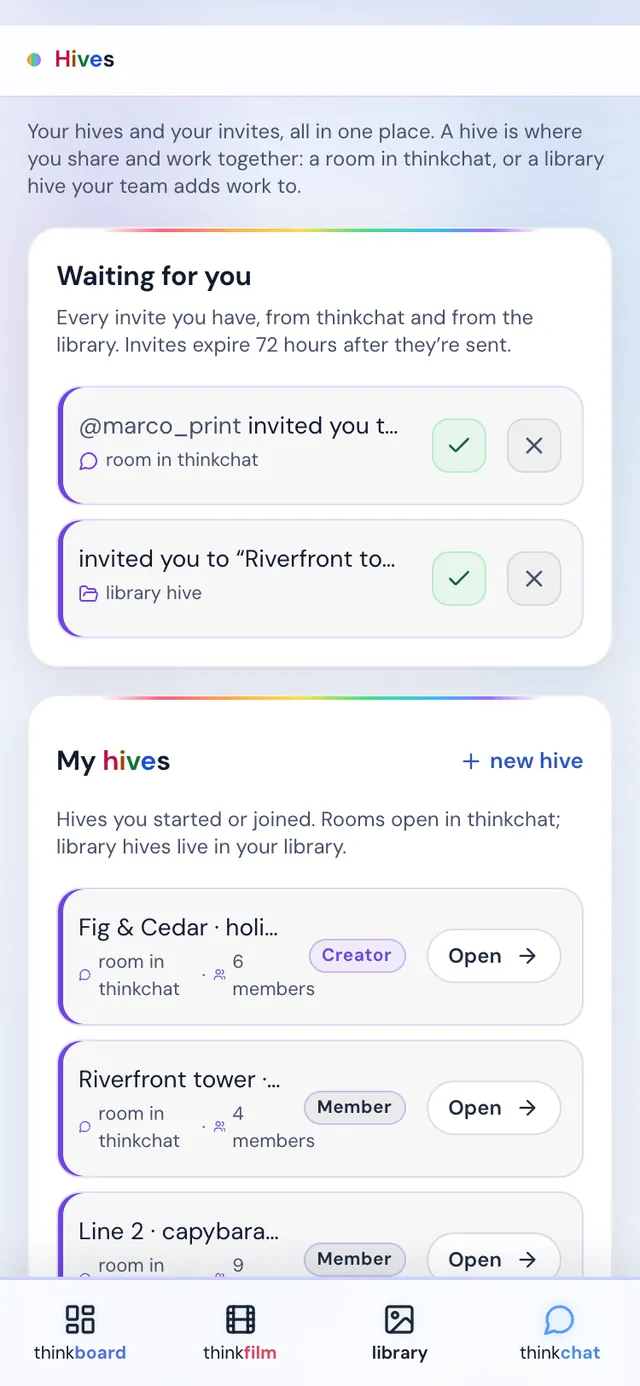
thinkhive: an invite waiting from @marco_print, and three hivesthinkhive in light mode
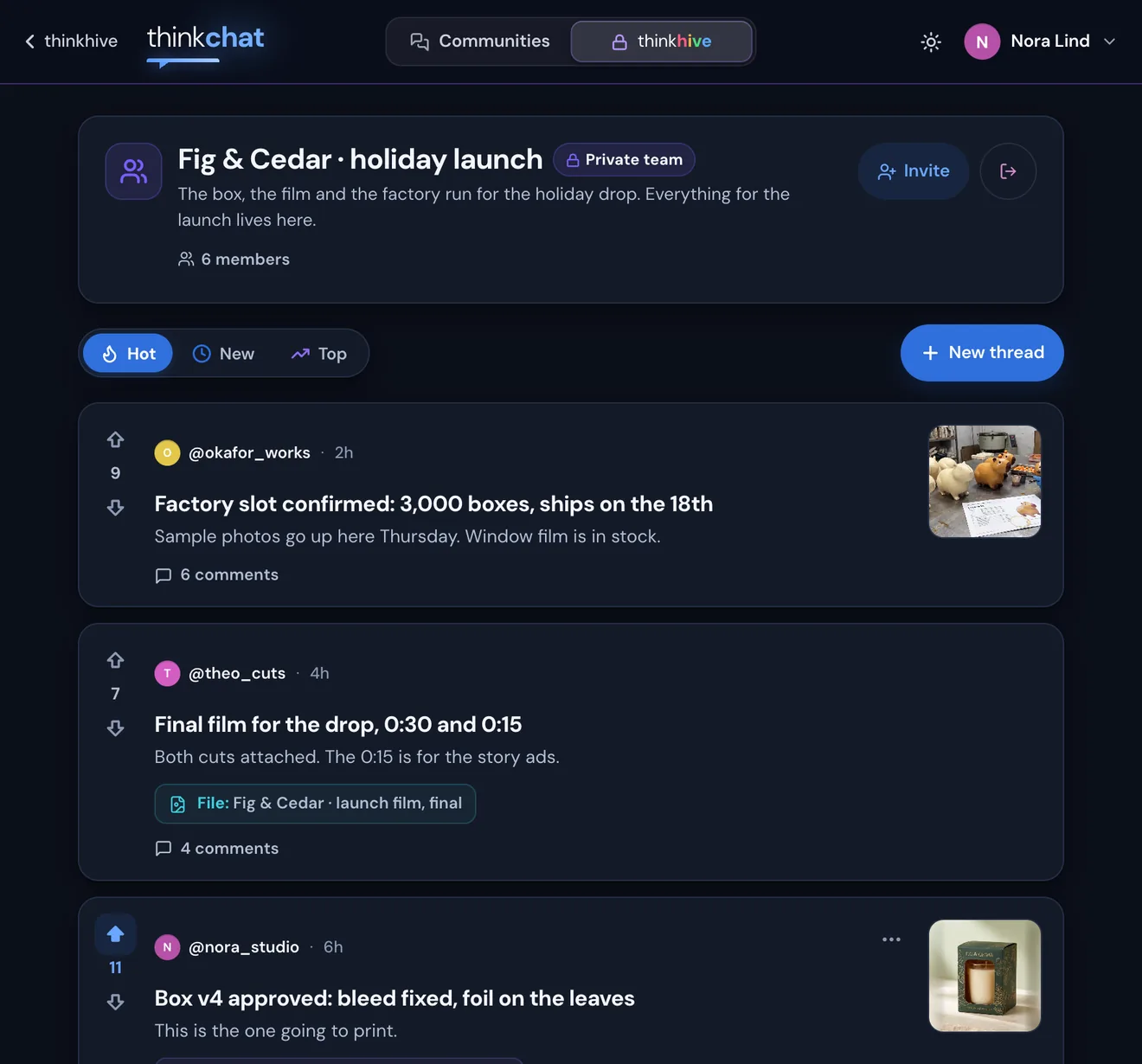
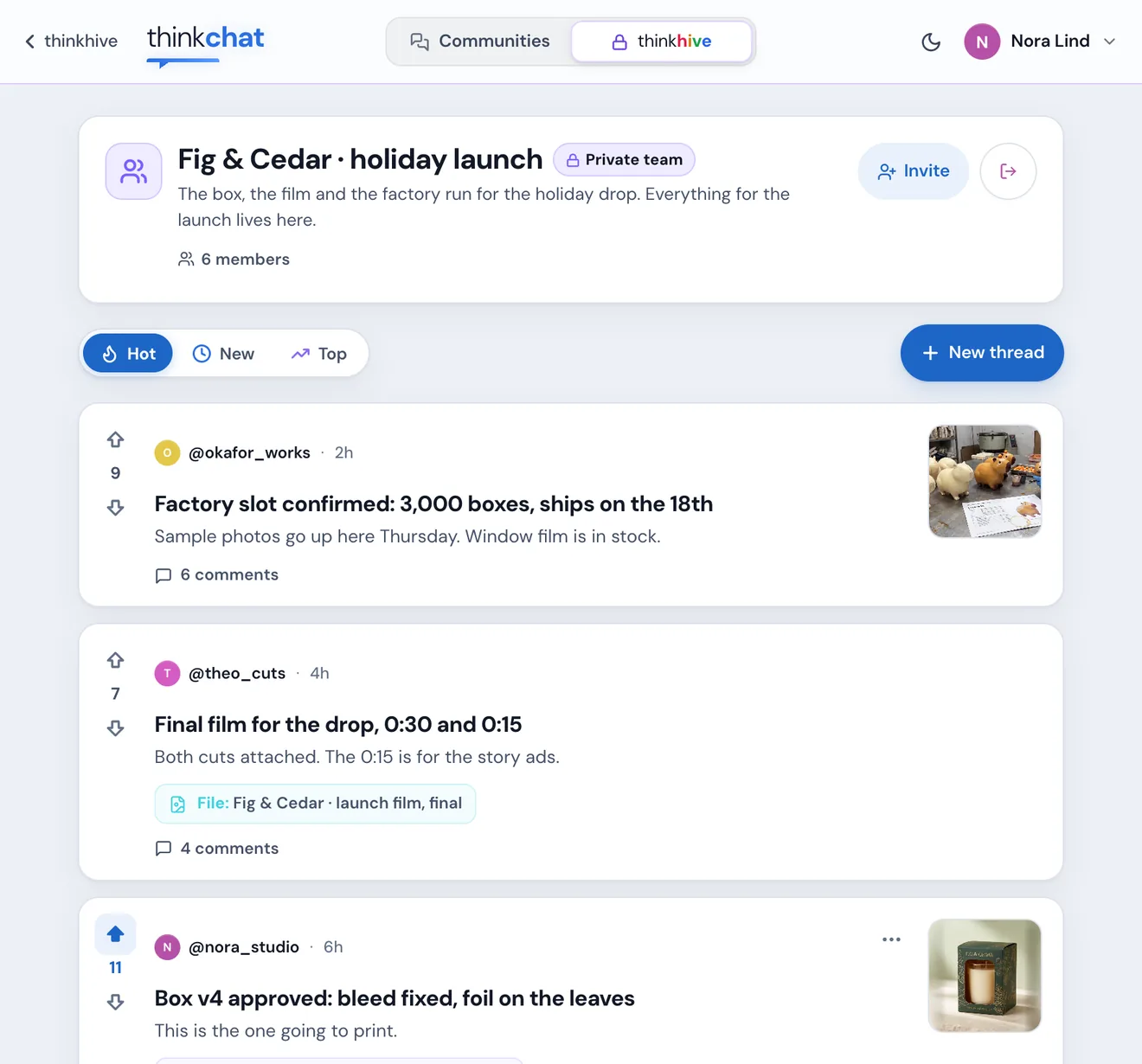
Fig & Cedar · holiday launch
Inside a hive: its members and its private threadsInside a hive, light mode
Open or LockedOpen lets any member invite. Locked means only you can.
Invite by nameType their @username or e-mail. They must already be on thinkjoin, and the invite waits 72 hours.
Waiting for youEvery invite, from thinkchat and from the Library, lands in one list.
Rooms and foldersOne thinkhive: a room of threads in thinkchat, or a shared folder in your Library.

It's all one thinkjoin

Your hives, your Library, your thinkspace. One account.

thinkchat isn't another site with another login. It's your thinkjoin account, your username and your Library, so everything you make shows up where you need it, and Settings shows you all of it.
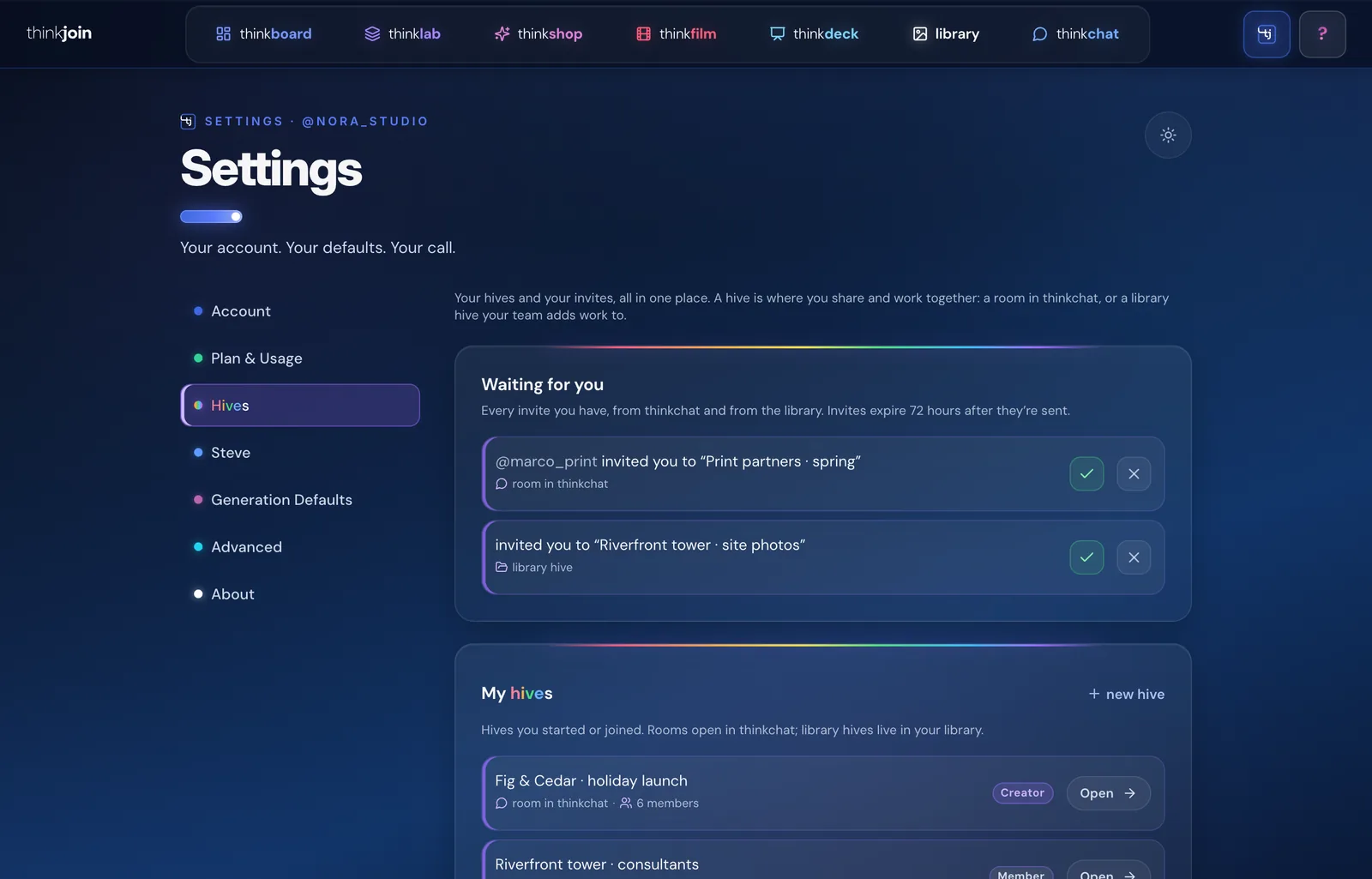
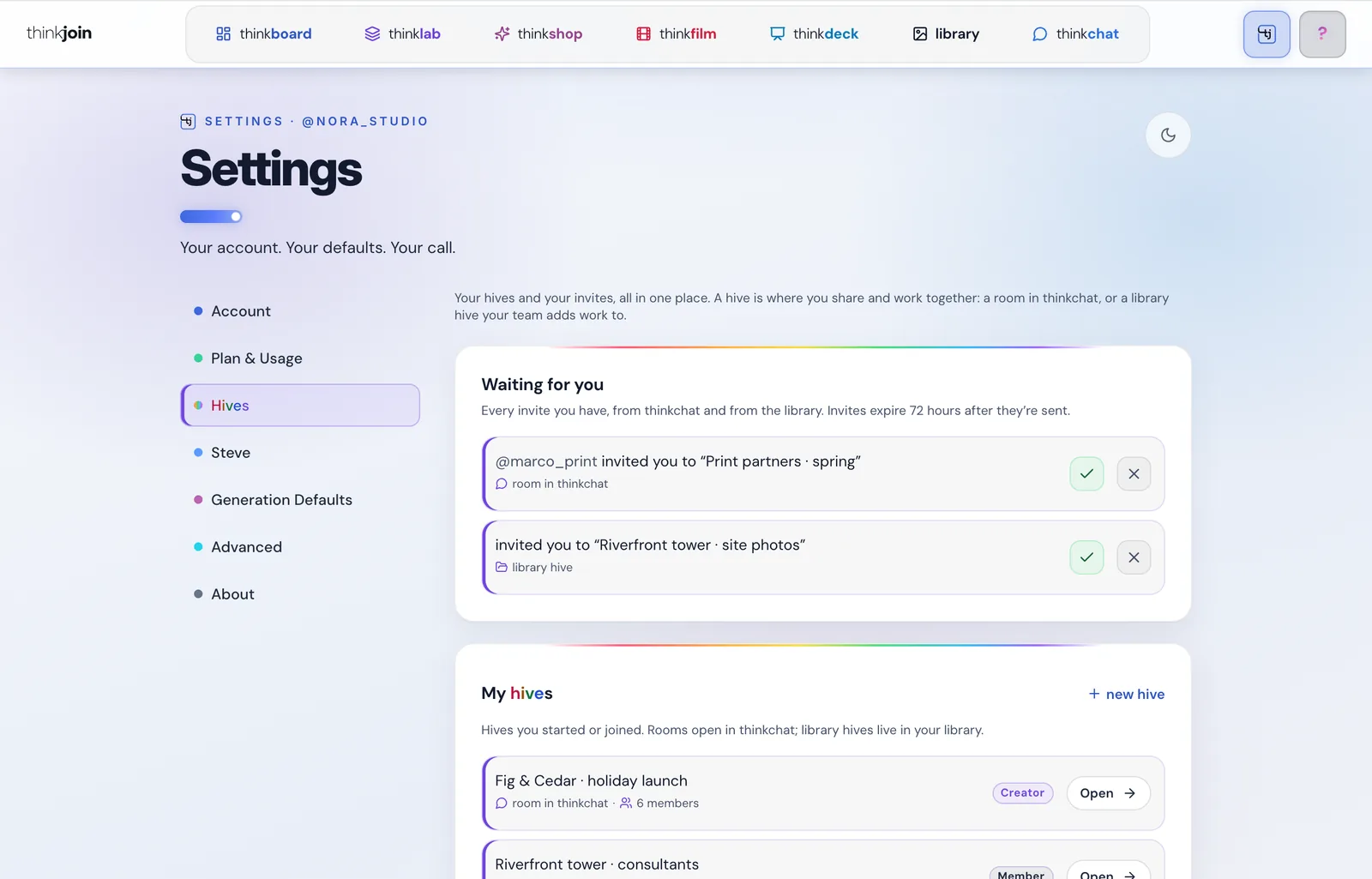
thinkjoin.com/Settings#shared
thinkjoin Settings, Hives: invites waiting and every hivethinkjoin Settings, Hives, light mode

Every hive, in Settings

Settings › Hives lists every hive you started or joined: the rooms in thinkchat and the library hives, and above them, every invite waiting for you, from both.

On thinkjoin.com: Settings › Hives
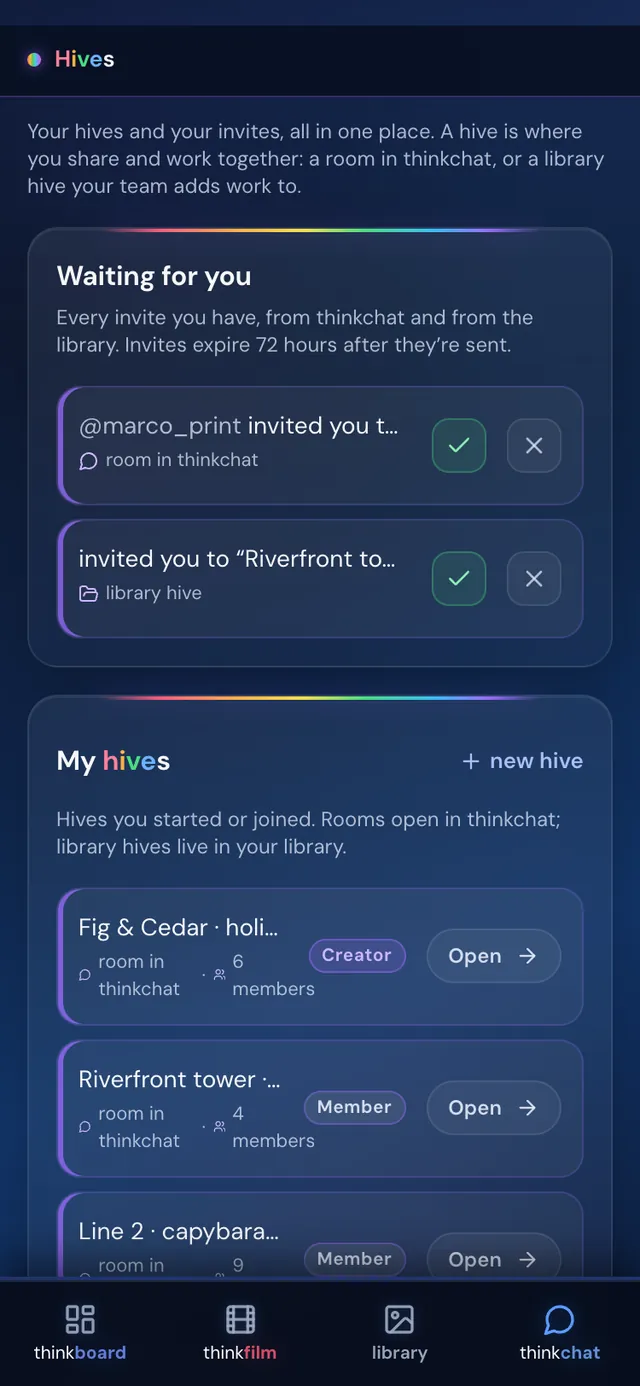
Settings, Hives on a phoneSettings, Hives on a phone, light mode
thinkjoin.com/Library
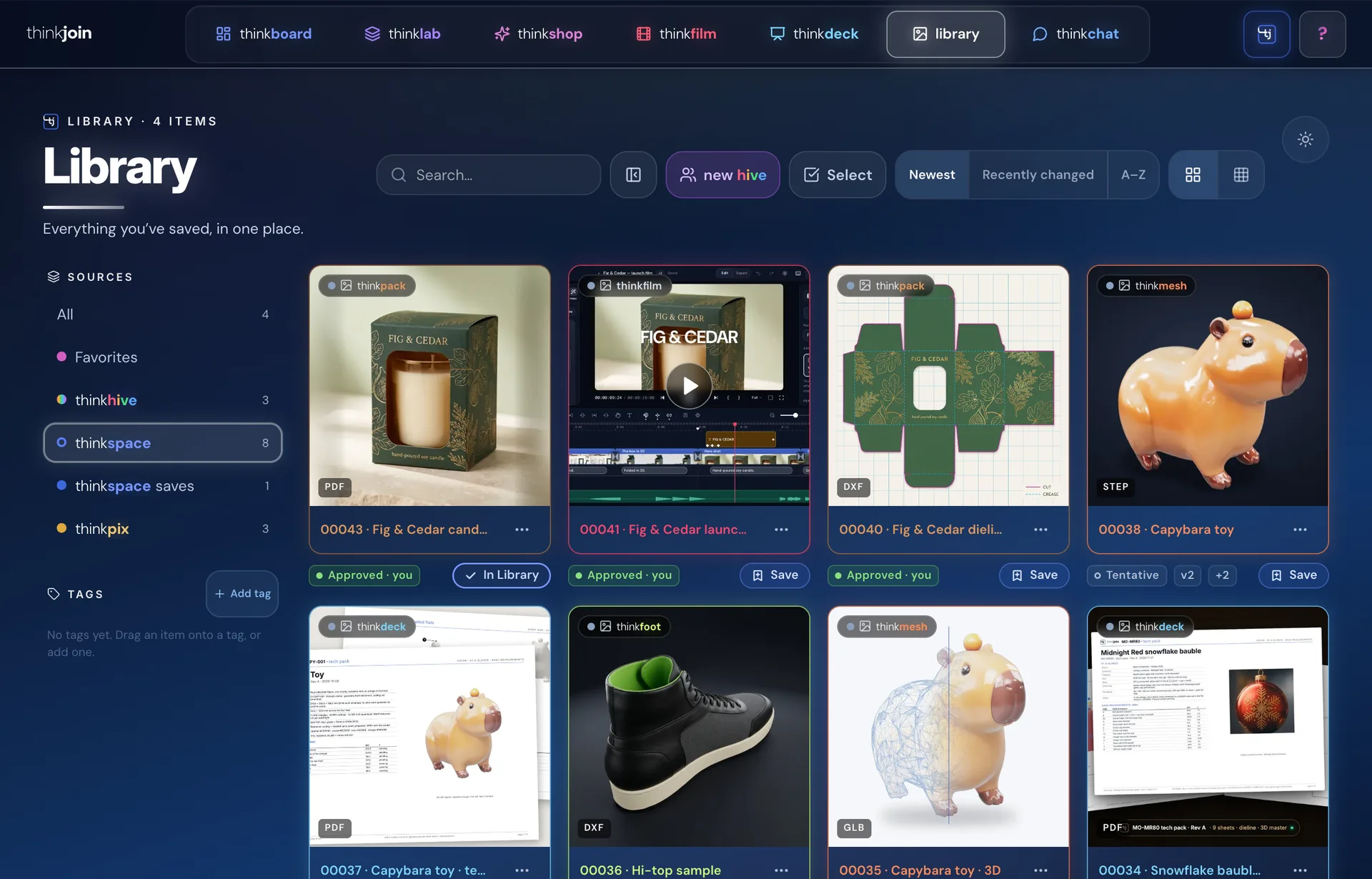
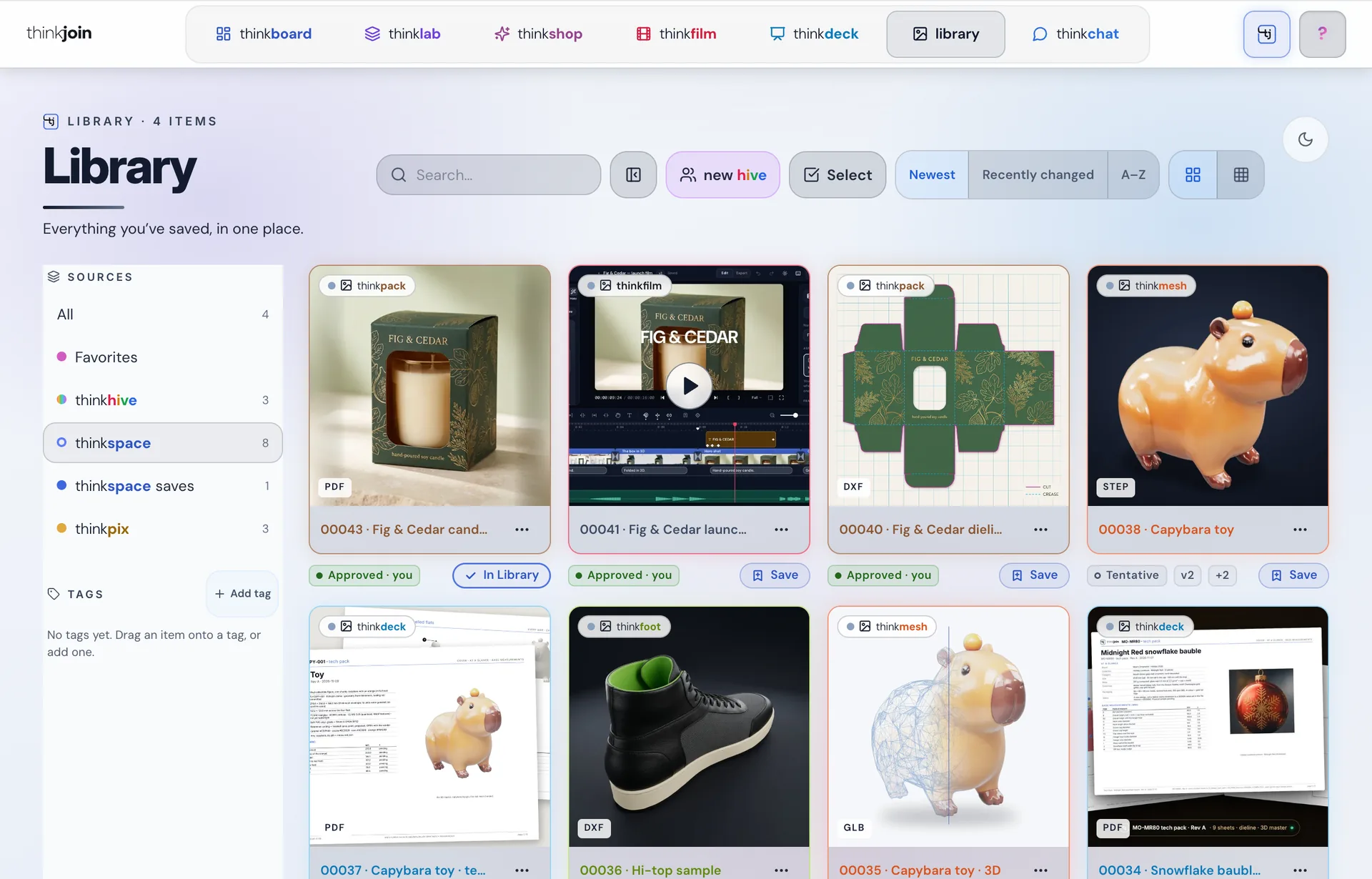
The thinkjoin Library, its thinkspace source: finals from thinkspace with Approved, Tentative and SaveThe Library thinkspace source, light mode

Your thinkspace, in your Library

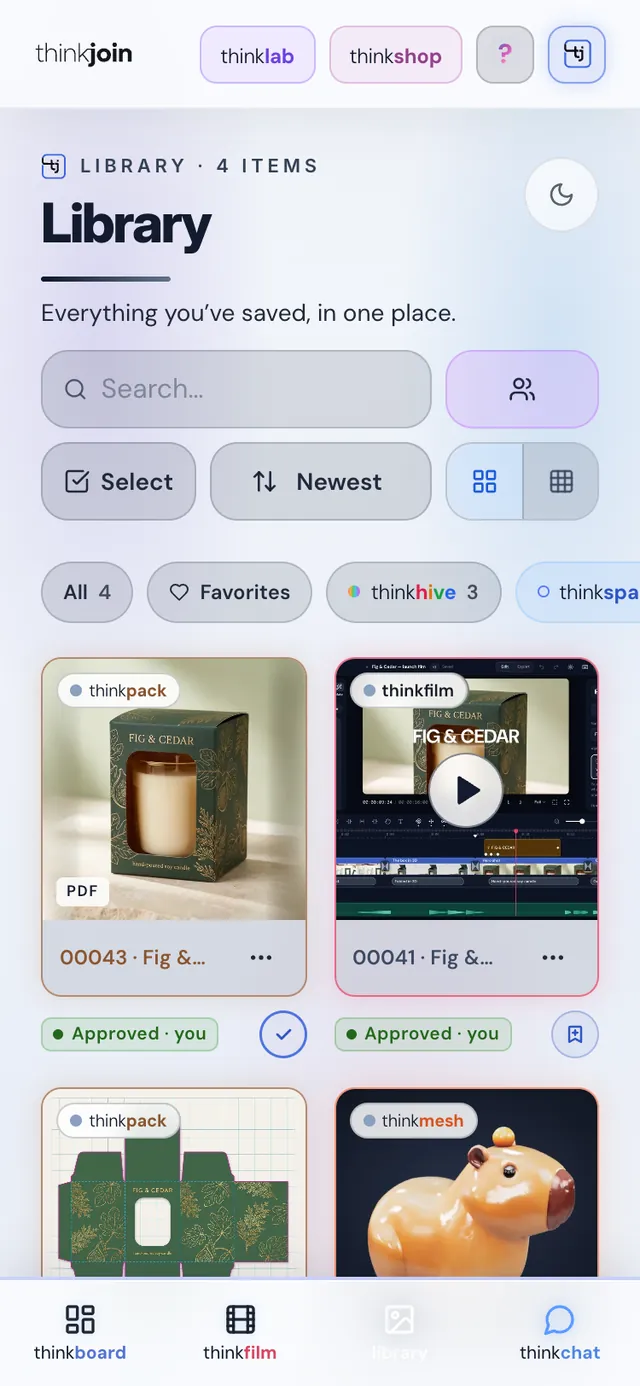
Every final Steve makes for you in thinkspace comes home to your Library on its own, Approved or Tentative, with its version. Save a copy with one tap, then post it to a thread or share it with a hive.

On thinkjoin.com: Library › thinkspace
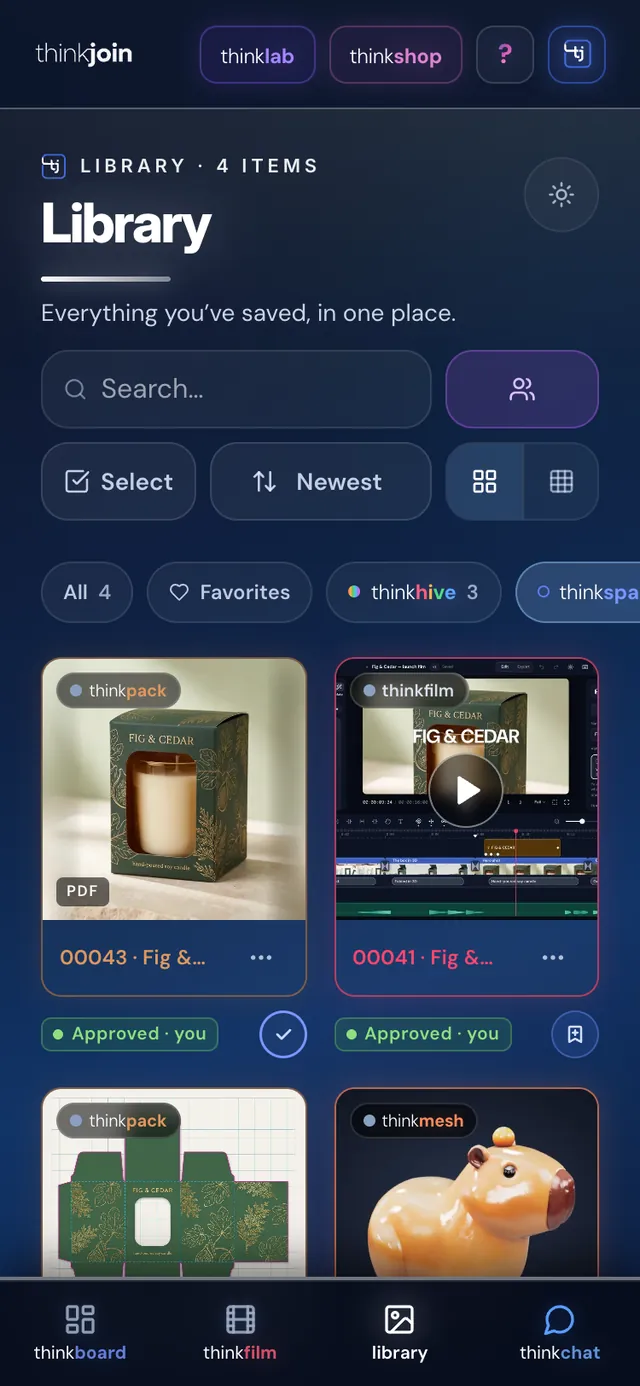
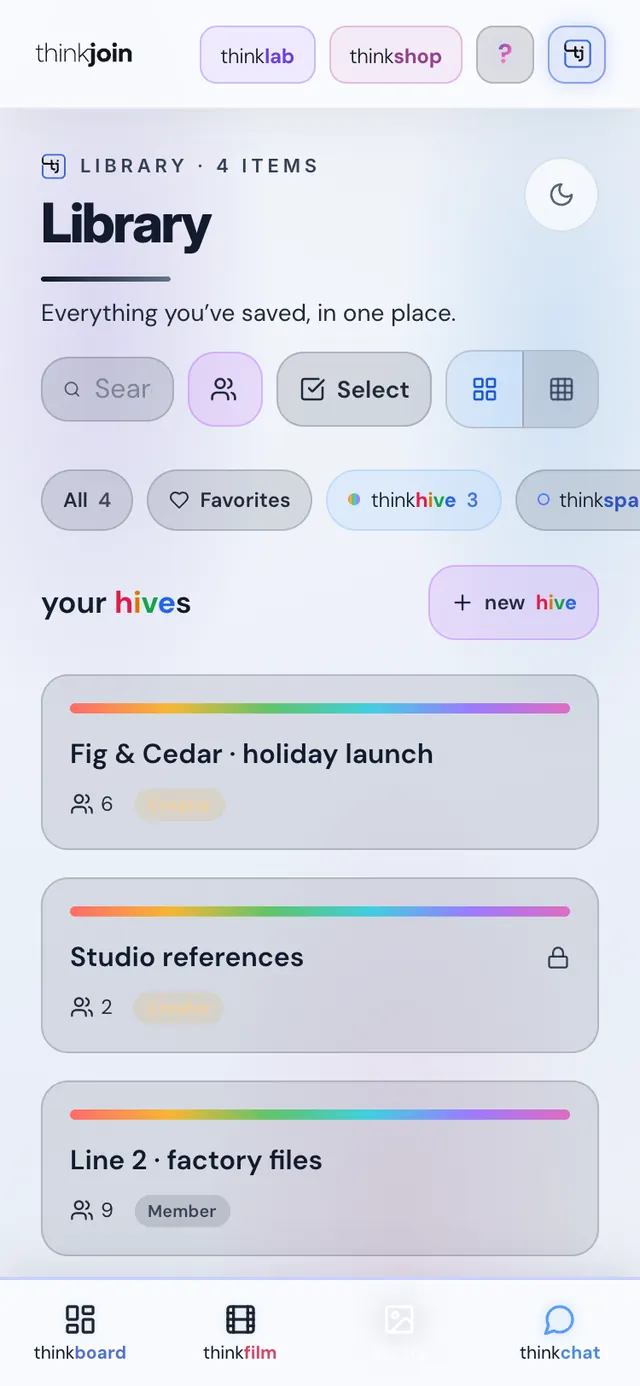
The Library on a phoneThe Library on a phone, light mode
thinkjoin.com/Library
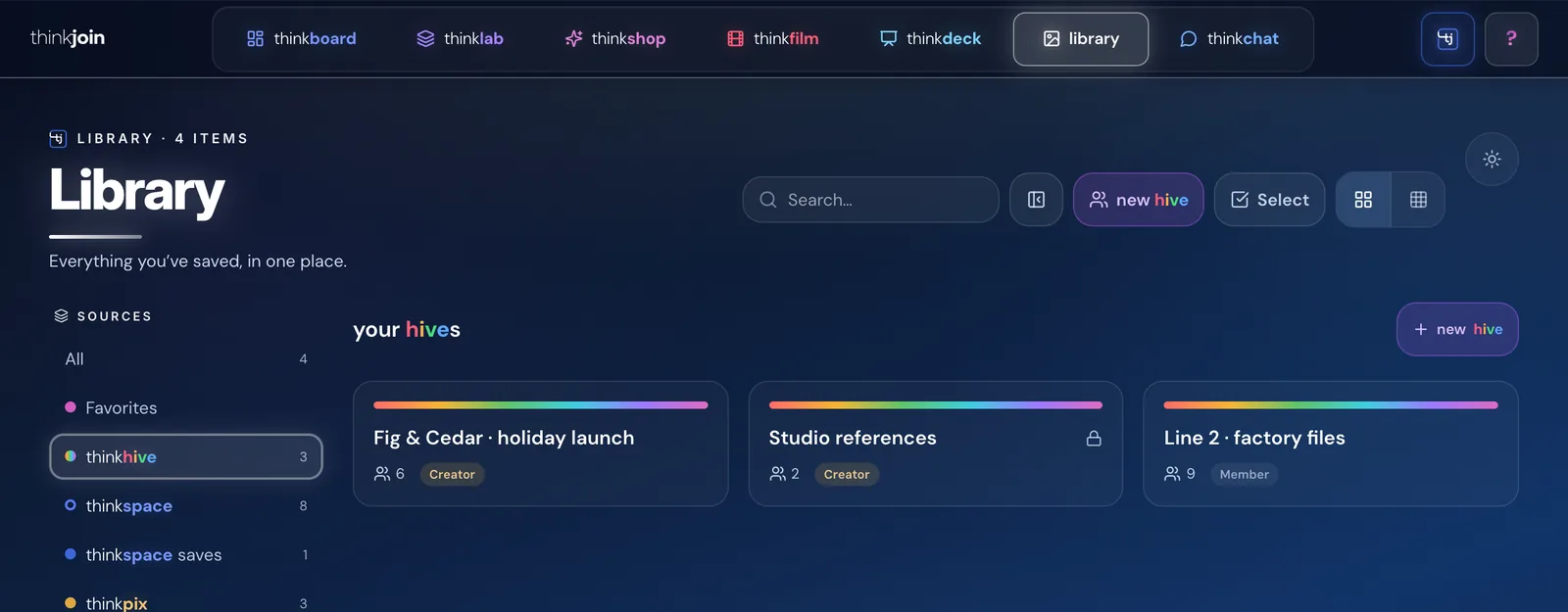
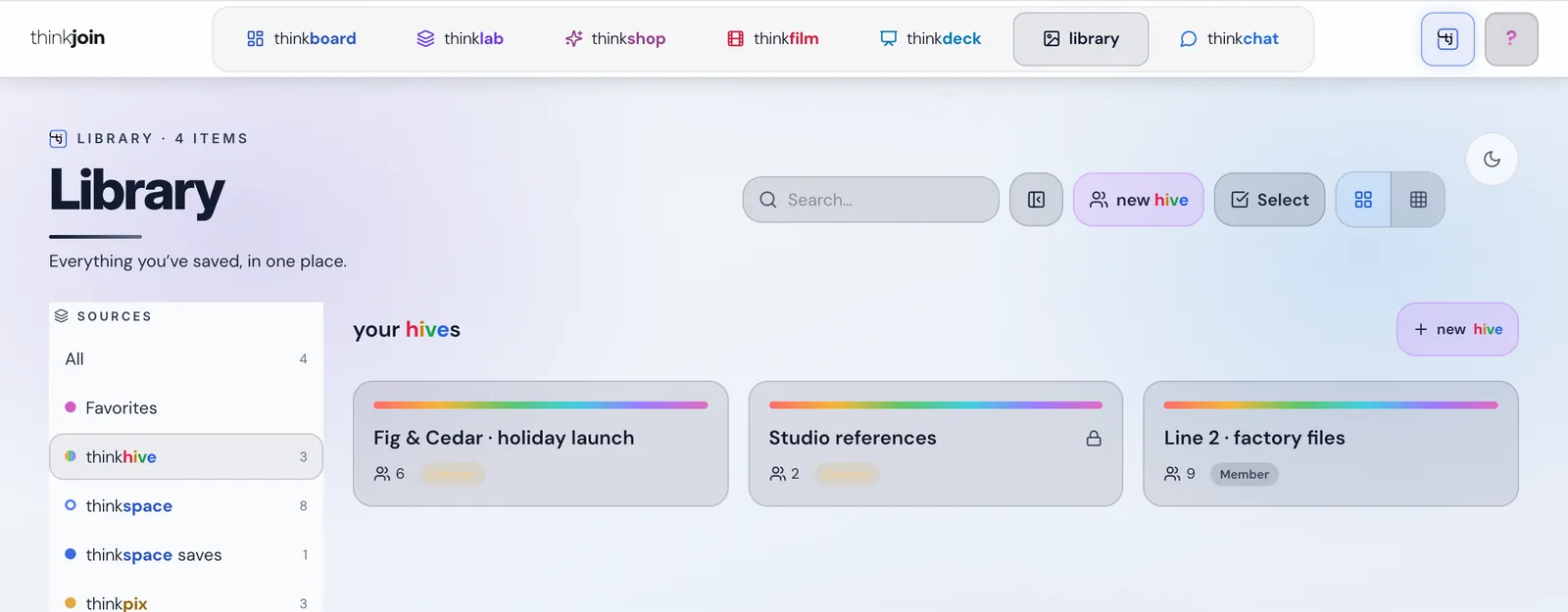
The Library, its thinkhive source: your library hivesThe Library hives, light mode

Your hives, in your Library

A library hive is a shared folder your team adds work to. It sits in your Library under thinkhive, right next to your own files, and any thread can carry it.

On thinkjoin.com: Library › thinkhive
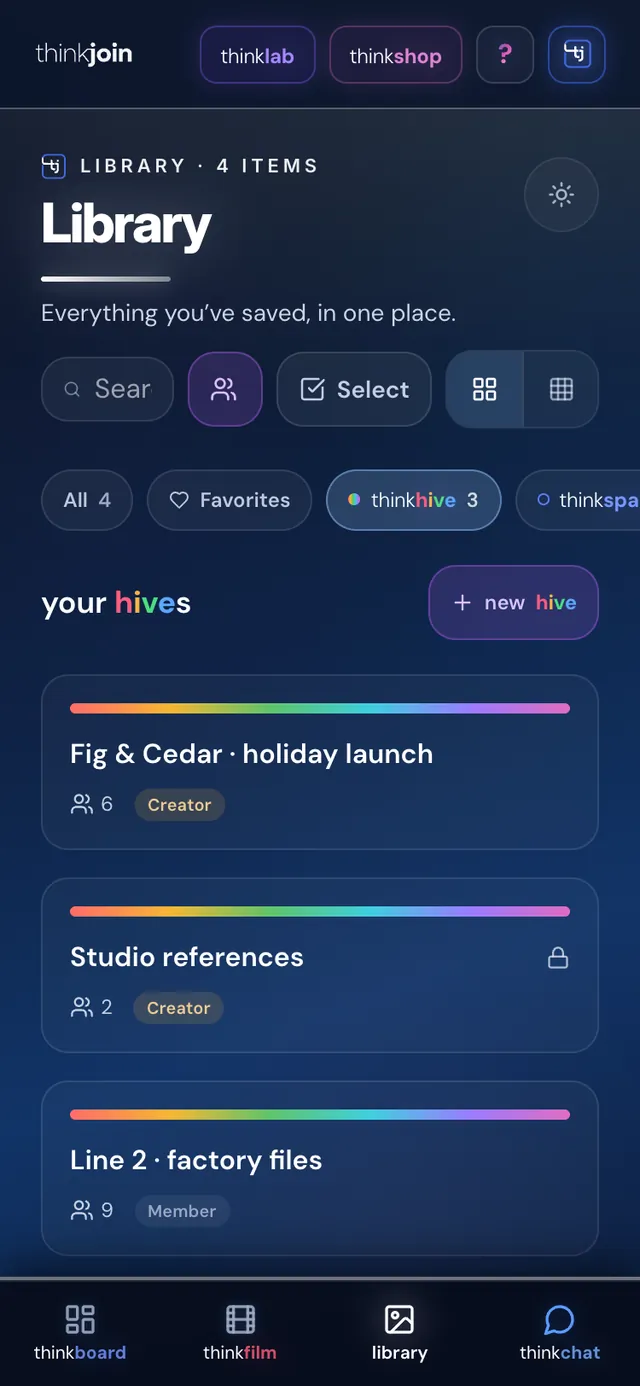
Library hives on a phoneLibrary hives on a phone, light mode
thinkjoin.com/Settings#account
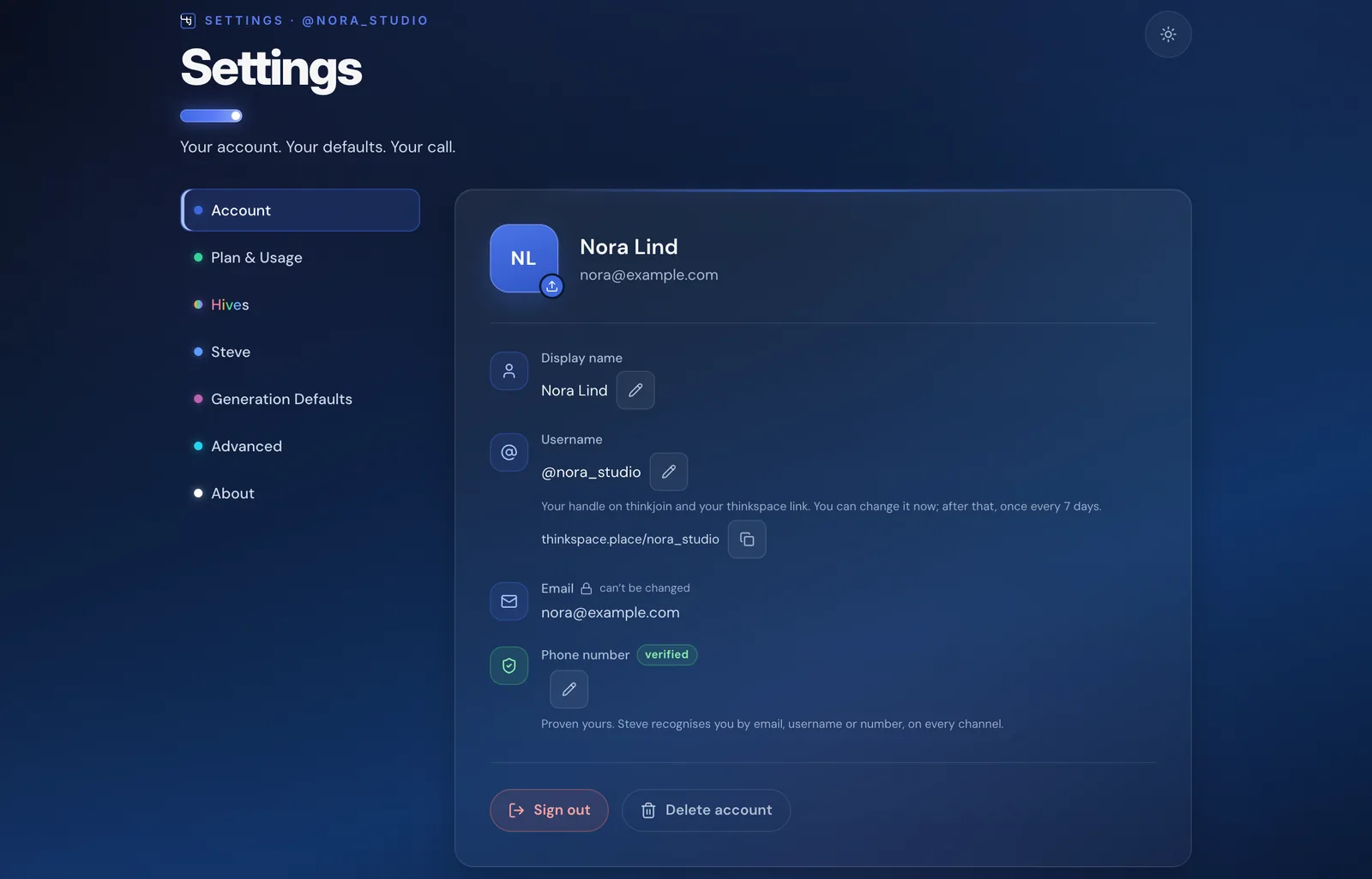
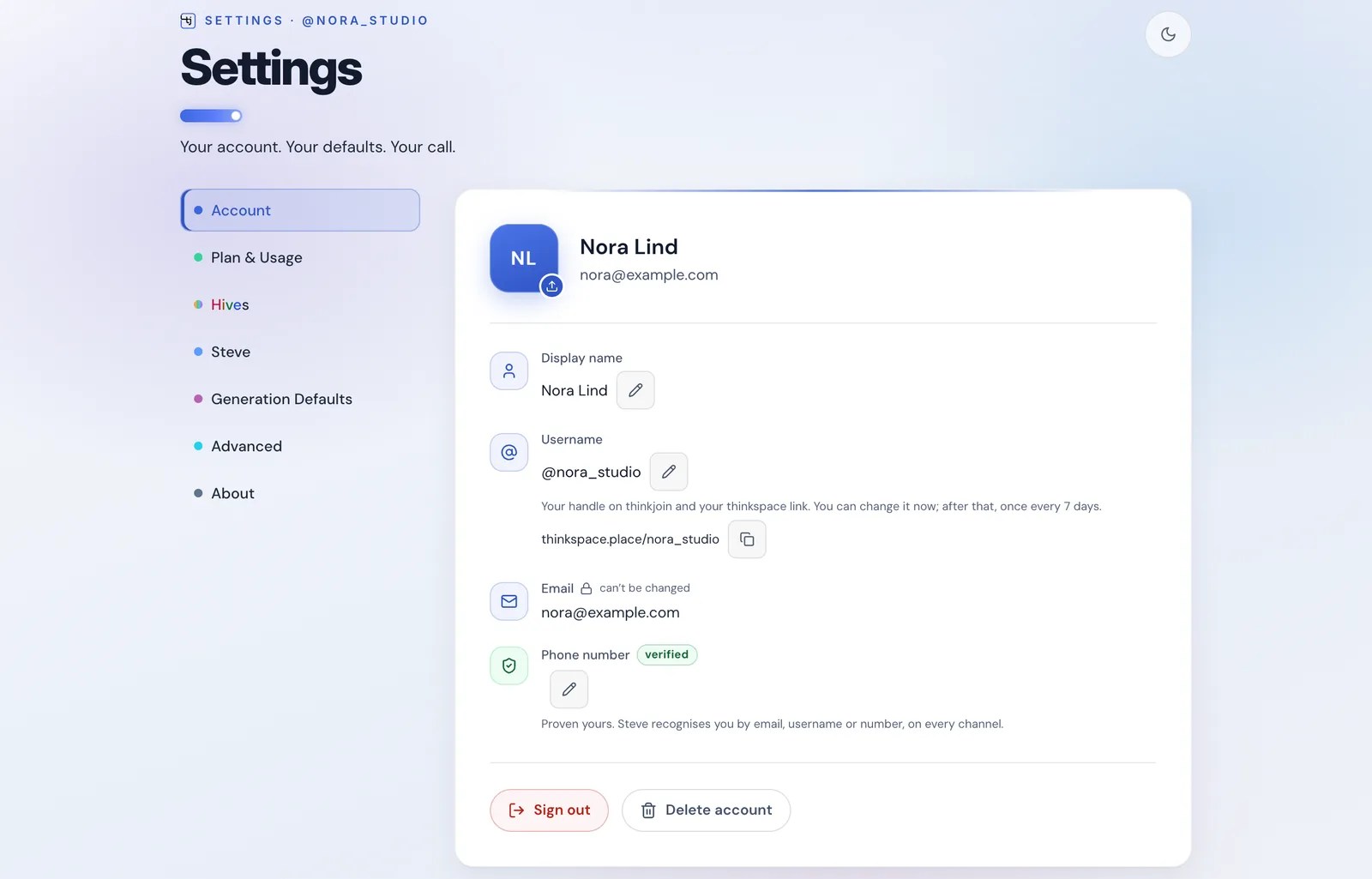
Settings, Account: the username @nora_studio and the link thinkspace.place/nora_studioSettings, Account, light mode

One username, everywhere

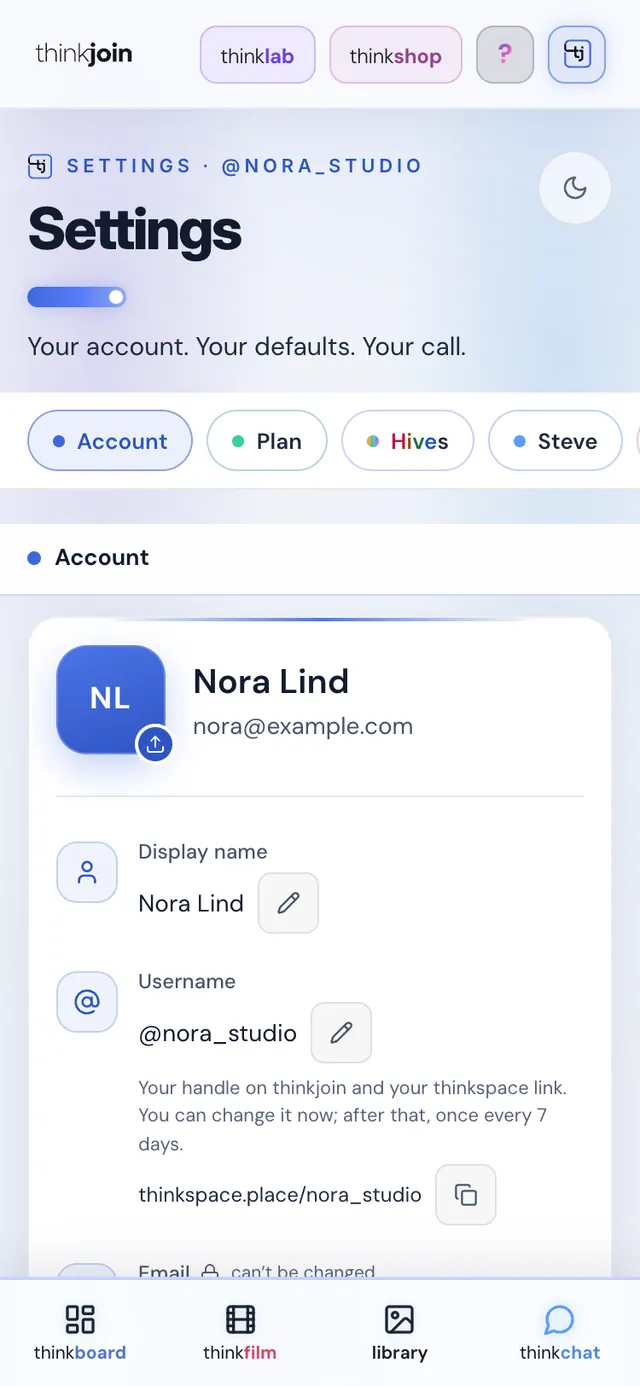
Your thinkjoin username is your name on thinkchat and your thinkspace link: @yourname here, thinkspace.place/yourname for your workspace.

On thinkjoin.com: Settings › Account
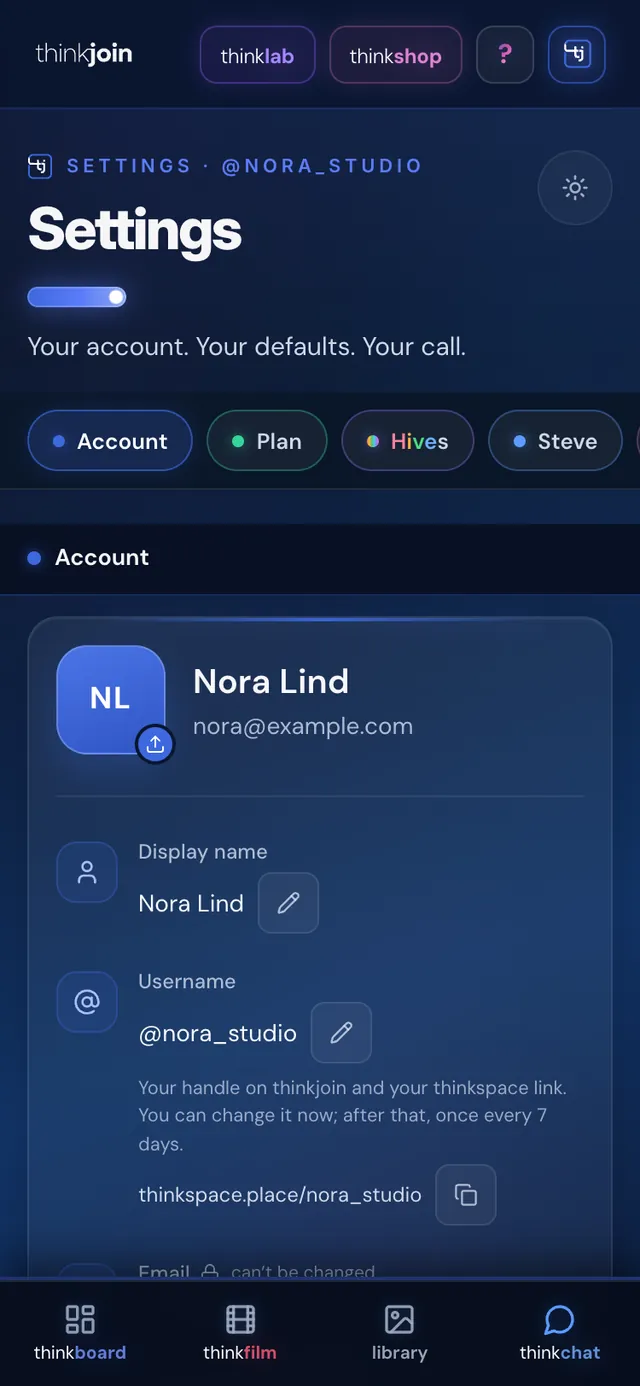
Settings, Account on a phoneSettings, Account on a phone, light mode

Steve ties it together

Tell Steve to make the hive. It's on thinkchat.

Other networks run on the networking. thinkchat runs on the work: you make it with Steve and the studios, and thinkchat puts it in front of the people you make it with.

1
You ask SteveOn WhatsApp, iMessage, a text, a call or thinkjoin.com.
2Steve
Steve makes itLive in your thinkspace, with the studios.
3
It lands in your LibraryEvery final comes home on its own.
4
Steve sets up the hiveHe fills in the name and the invites. You press Create.
5
You post it on thinkchatYour whole trade can see it, vote and comment.
You: make a hive for the launch and invite @okafor_works
Create hive “Fig & Cedar launch” and invite @okafor_works?
Review & shareNot now

Today Steve sets up a hive this way with thinkshop open on thinkjoin.com. Nothing is made until you press Create.

On your phone

Your trade, in your pocket.

The feed, the thread and the hive, sized for your thumb. Vote, comment and save from wherever the work is.
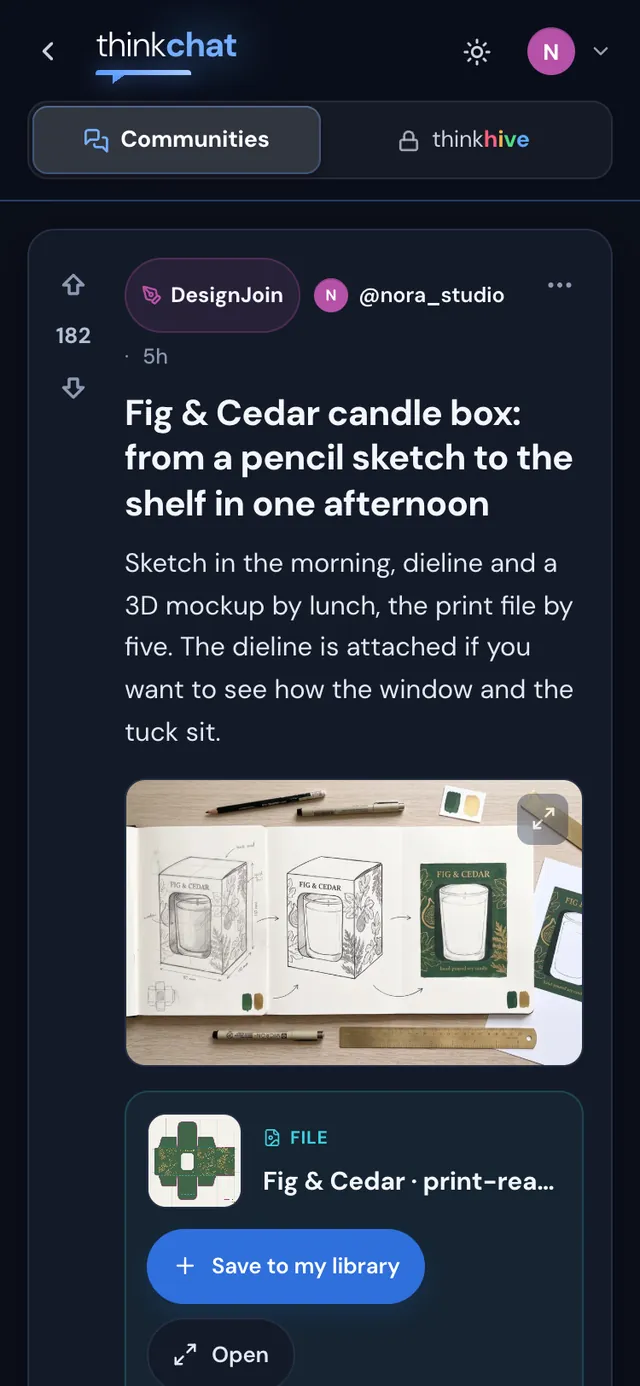
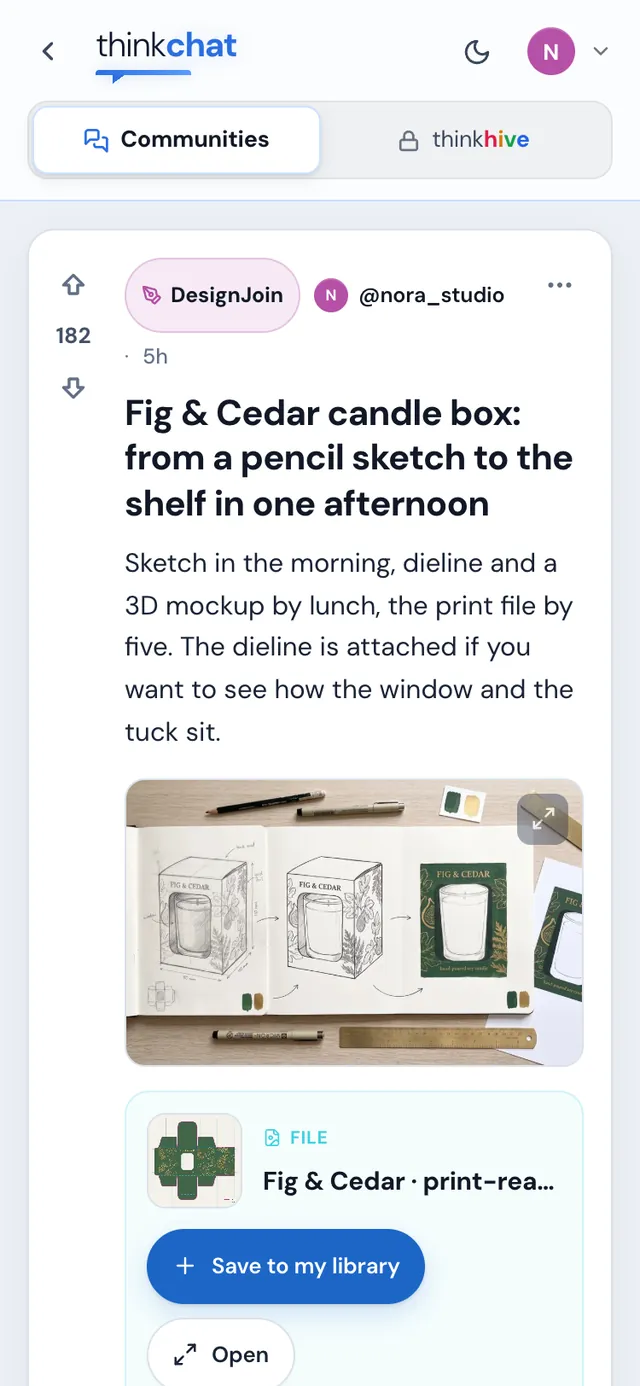
A thread on a phoneA thread on a phone, light mode
The feed on a phoneThe feed on a phone, light mode
A hive on a phoneA hive on a phone, light mode

Light and dark

Light or dark. Your call.

thinkchat has its own switch in its header and remembers your choice. Drag across to see both.

thinkchat in dark mode
thinkchat in light mode
DarkLight

Made in the studios

Made on thinkjoin. Shared on thinkchat.

The work on thinkchat comes out of thinkjoin's studios, and Steve works in all of them.

thinkfilmVideo, motion and 3D on one timeline
thinkshopPictures, design and AI in layers
thinkdeckDecks and documents
thinkmesh3D models
thinkpackPackaging and dielines
thinkfootShoes
thinkviewthinkview.live · the whole world, live
thinklawthinklaw.pro · contracts and deals

Your trade is already here

Show the work.

Create your thinkjoin account, and your username is waiting for you on thinkchat. Post the first thread.